Appendix E Accessory Cable & Parallel Interface
User’s Manual - Revision C Section E - 2
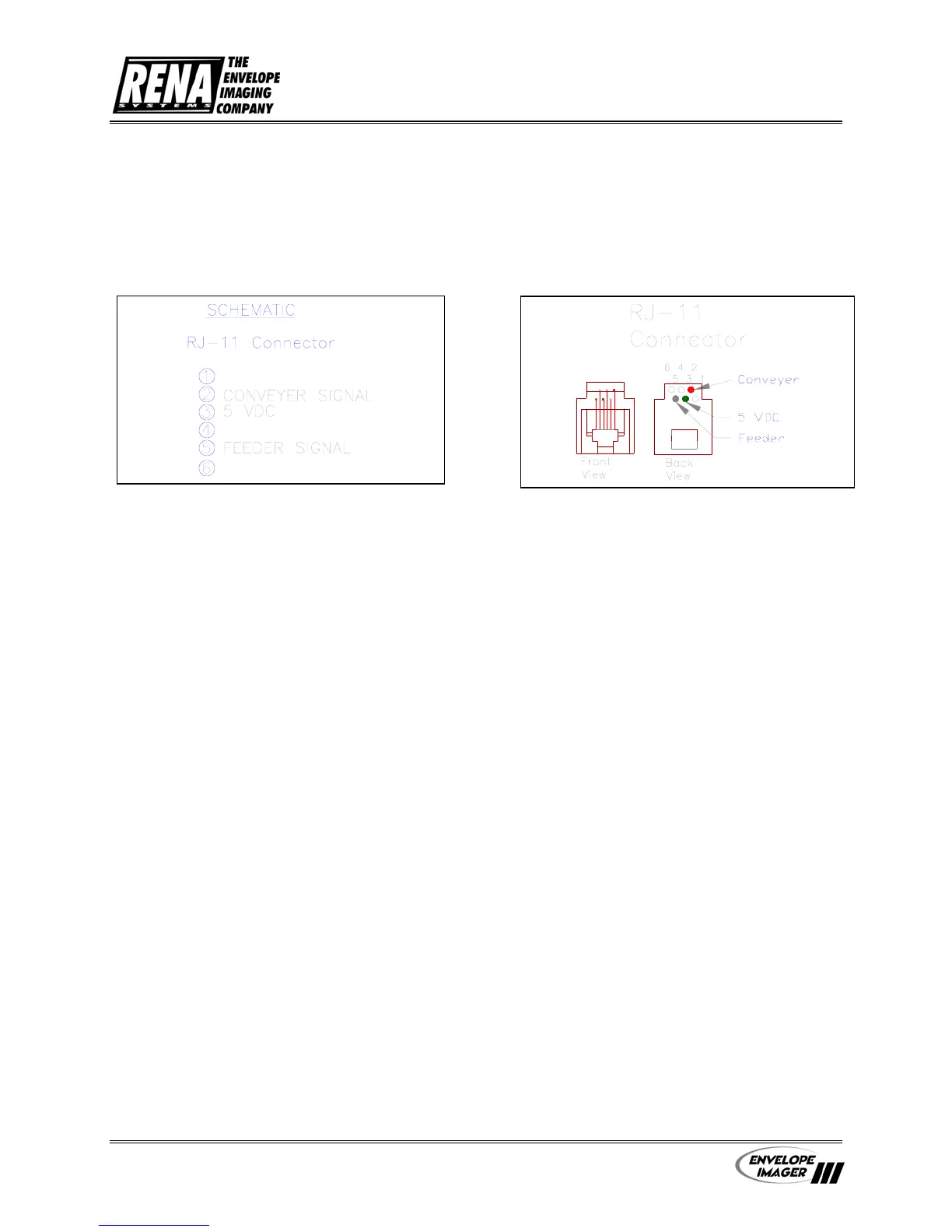
The Accessory Port allows the printer to control the start/stop
function of the RENA AF-500 Feeder.
Connect the printer to the feeder using the supplied interface
cable to control the start-stop function of the AF-500 during
the printing operation.
To properly control the AF-500, the following Menu items
must be set:
1.) Feeder Signal: On/Off Control – must be selected (*)
2.) Feeder Signal: Signal Polarity: Active Off – must be
selected (*)
Accessory Port


 To Next Page
 Loading...

