60
Operating Instructions
English
Operation
Only take the device into operation after familiarising yourself with its functions and these
operating instructions.
Check all the connections again. When you have done so, reconnect the negative pole of the
car battery.
Buttons on the Front
Button (1)
• Push briefly with the device switched off > device is switched on
• Keep pushed with the device switched on > device is switched off
• Push briefly with the device switched on > muting is switched on or off
Muting can also be reached right through the playback screen, e.g. for radio playback. For this, touch
the crossed-out speaker symbol on the bottom left in the respective screen.
Buttons +/- (3)
• Button + increases the volume
• Button - decreases the volume
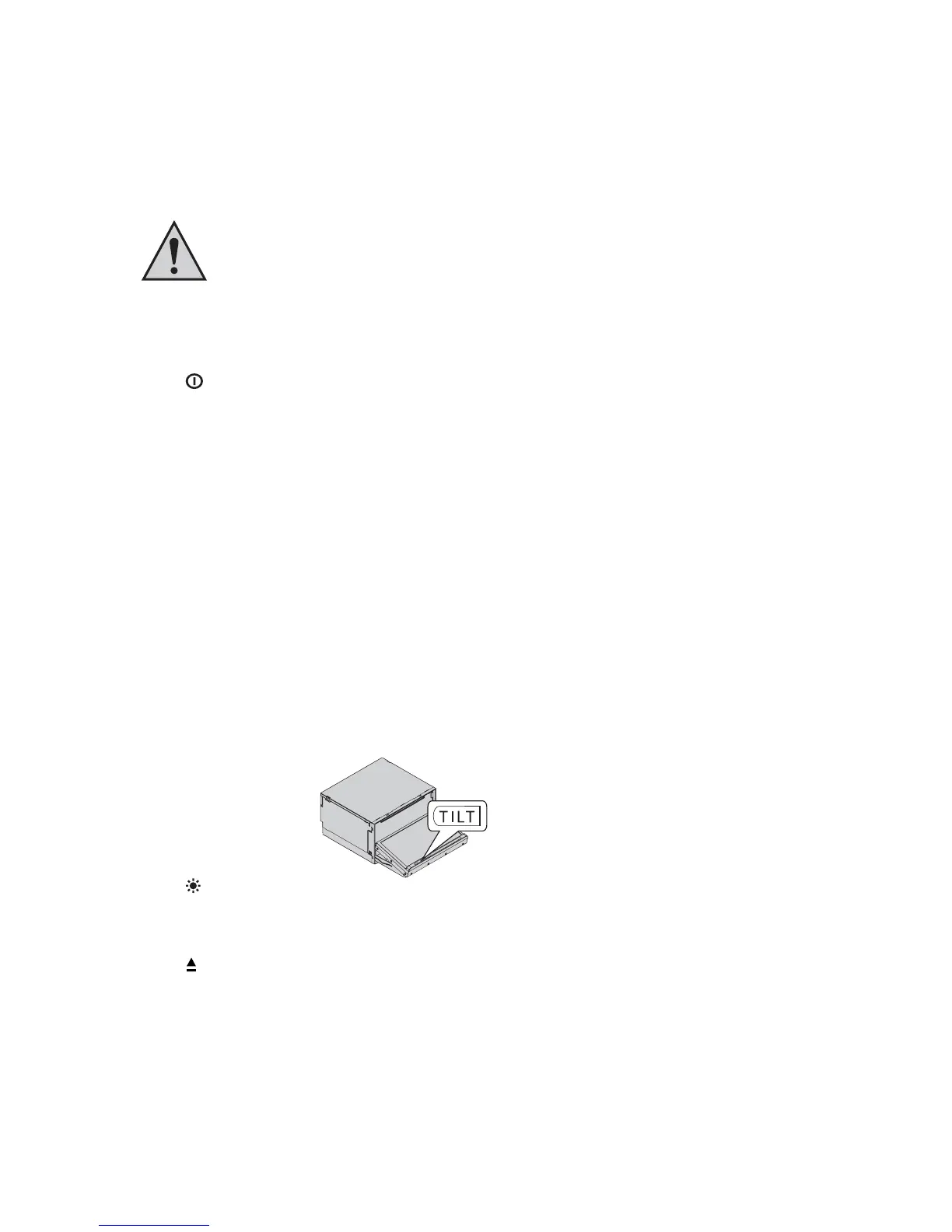
Button TILT (5):
• Setting of the display angle in 5 steps
Button (6)
• Setting of the display brightness in 3 steps + display deactivation
Button (2)
• Moves the display to the charging position
CDs/DVDs always have to be inserted with the printed side up.



 To Next Page