68
Operating Instructions
English
Operation
Setting the band range
The device has three FM band ranges and two AM band ranges.
• Touch the button .
• Each touch will chose another FM range FM1 > FM2 > FM3.
• Touch the button .
• Each touch will chose another AM range AM1 > AM2.
Station search
• Touch the button .
• The arrow direction shows the search direction.
• Touching the button only briefly starts automatic search, which stops at the next channel that can be received.
• Touching the button for a longer time will start manual search. Search stops when you stop touching the button.
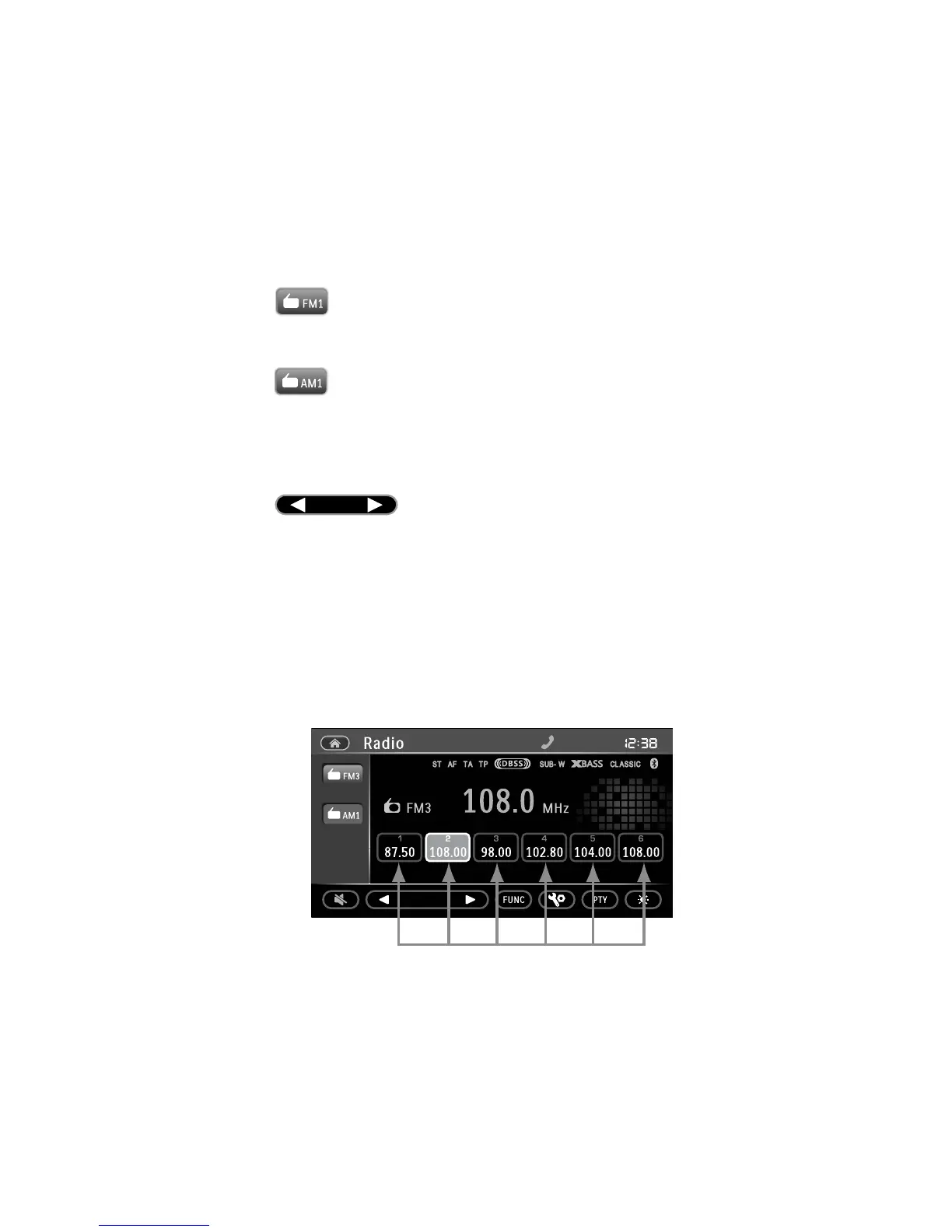
Station memory
The device has six station memory slots per band range. In the FM range, you can save 18 stations and in the AM
range you can save 12 stations.
• Select the desired station as described above.
• Keep touching one of the station storage areas until the button is shown backlit in blue. The station set is now
saved.
• Touch one of the station storage areas briefly to call the station saved on it.



 To Next Page