61
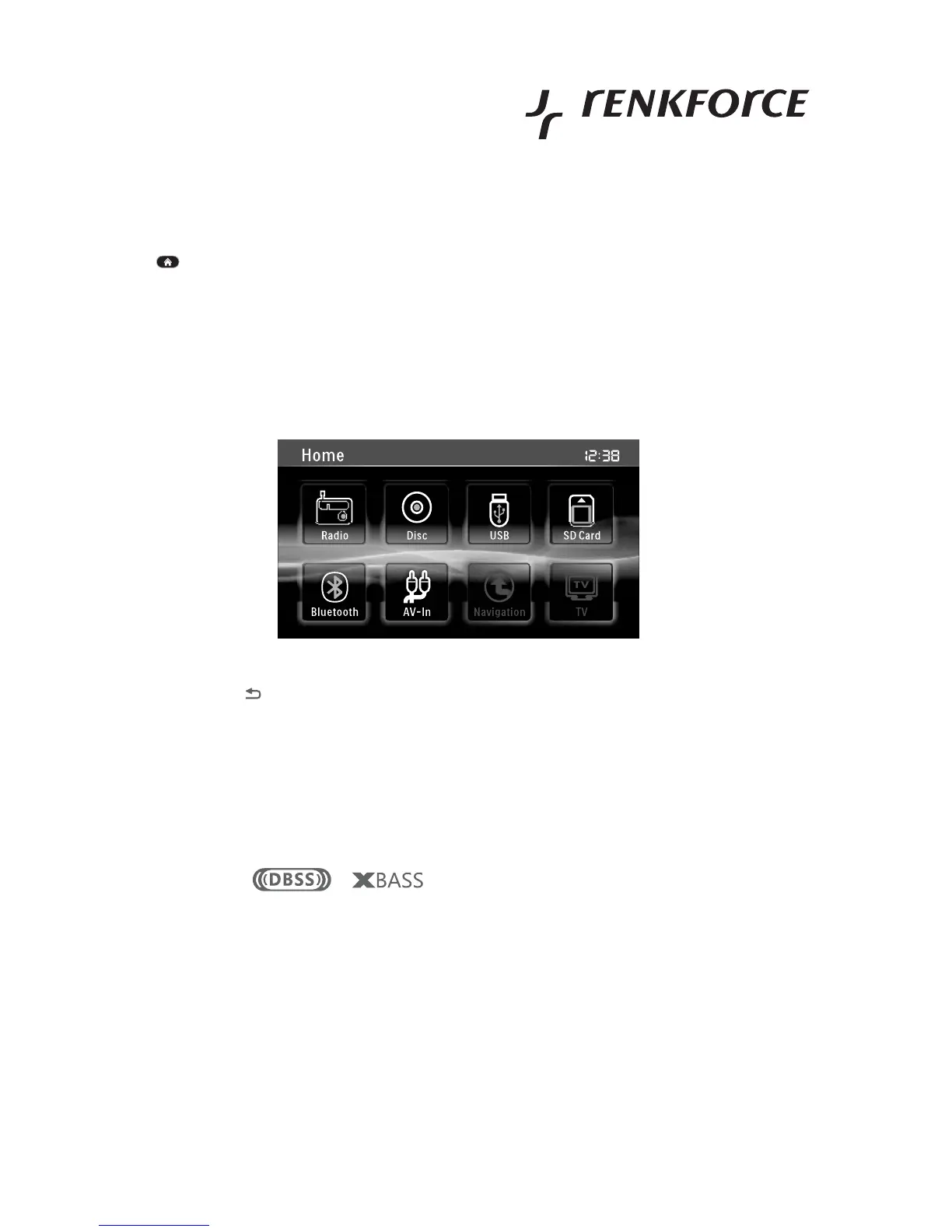
Home Menu
Button on the upper left on the touch screen interface
• Activates the home menu
• The different sources like radio, disc, USB, etc. are selected from here
Inactive sources like navigation or TV are hidden.
If a source is selected into which no medium is inserted (e.g. SD card), the selection shows the
corresponding error message.
• Touch the button at the upper left of the touch screen interface to go back one screen in the menu.
Settings
Sound settings
DBSS and XBASS function
These functions can be reached directly via the playback screen, e.g. in radio playback.
• Touch the screens or to activate or deactivate the two bass-boost functions DBSS or
XBASS.
• The symbols for active functions are highlighted in the display; otherwise, they are concealed.



 To Next Page