84
Operating Instructions
English
Operation
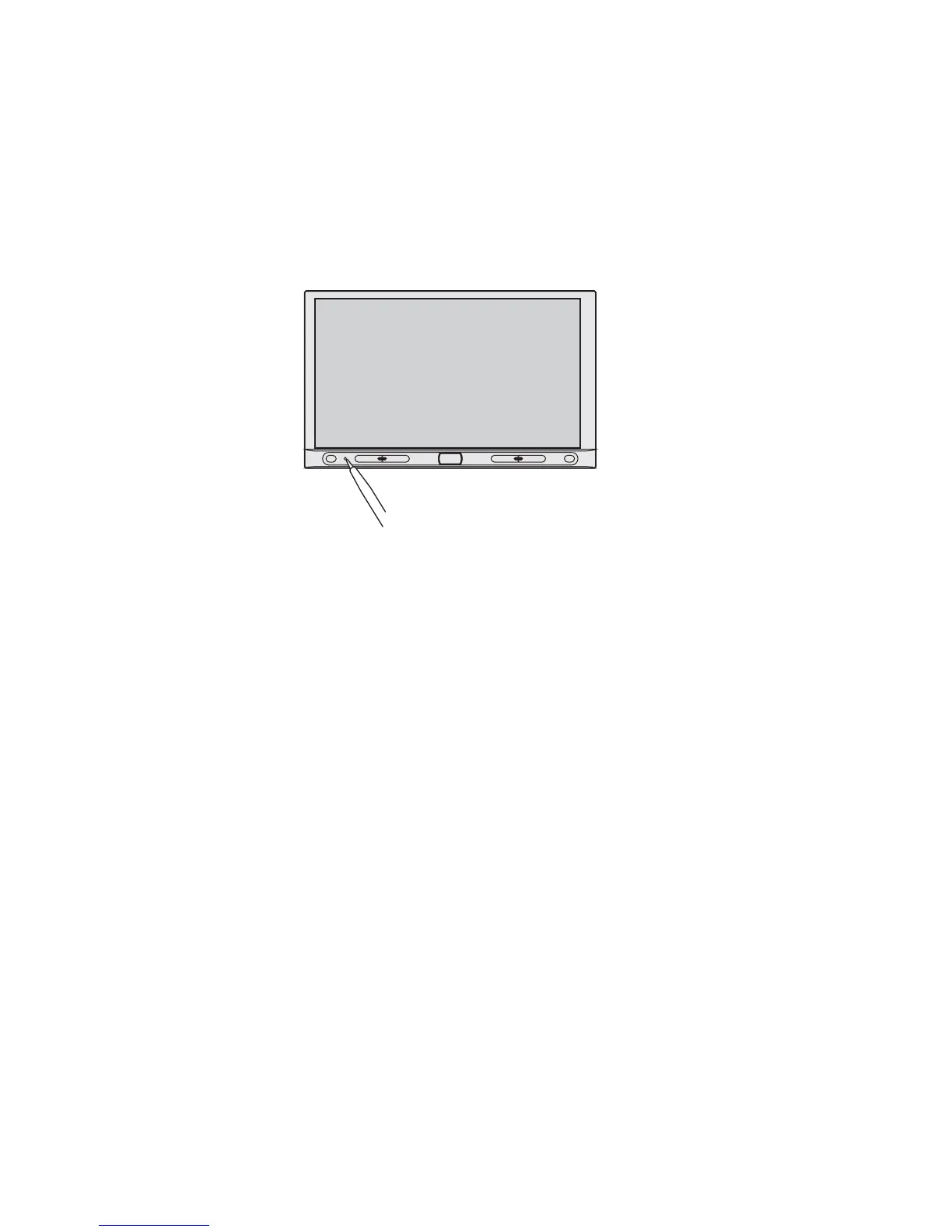
Reset
The button RESET resets all settings to factory settings.
Press this button in the following cases:
- when you have completed the installation and connection
- when the moniceiver does not react to the operation of buttons anymore
- when the display shows undefined characters
Handling
• If the volume inside your car is too high, you will not hear any acoustic warning signals. This constitutes a danger
to yourself and other road users. Therefore, make sure the volume is at a suitable level.
• Inattentiveness on the road may cause serious accidents. Operation of the hi-fi system may therefore only take
place if the traffic situation permits and you are not unduly distracted by operating the system. For reasons of
safety, the driver must not watch movies while driving.
• Do not listen to excessively loud music over an extended period of time. This may damage your hearing.



 To Next Page