70
Operating Instructions
English
Operation
Media Playback
Media playback is only possible via the CD/DVD drive, the USB interface or the memory card reader.
The following data formats can be played back:
Video formats: DVD / VCD / MPEG 1 / MPEG 2 / MPEG 4 / DIVX 3.11 / 4.X / 5.X / JPEG
Audio formats: CD-DA / MP3
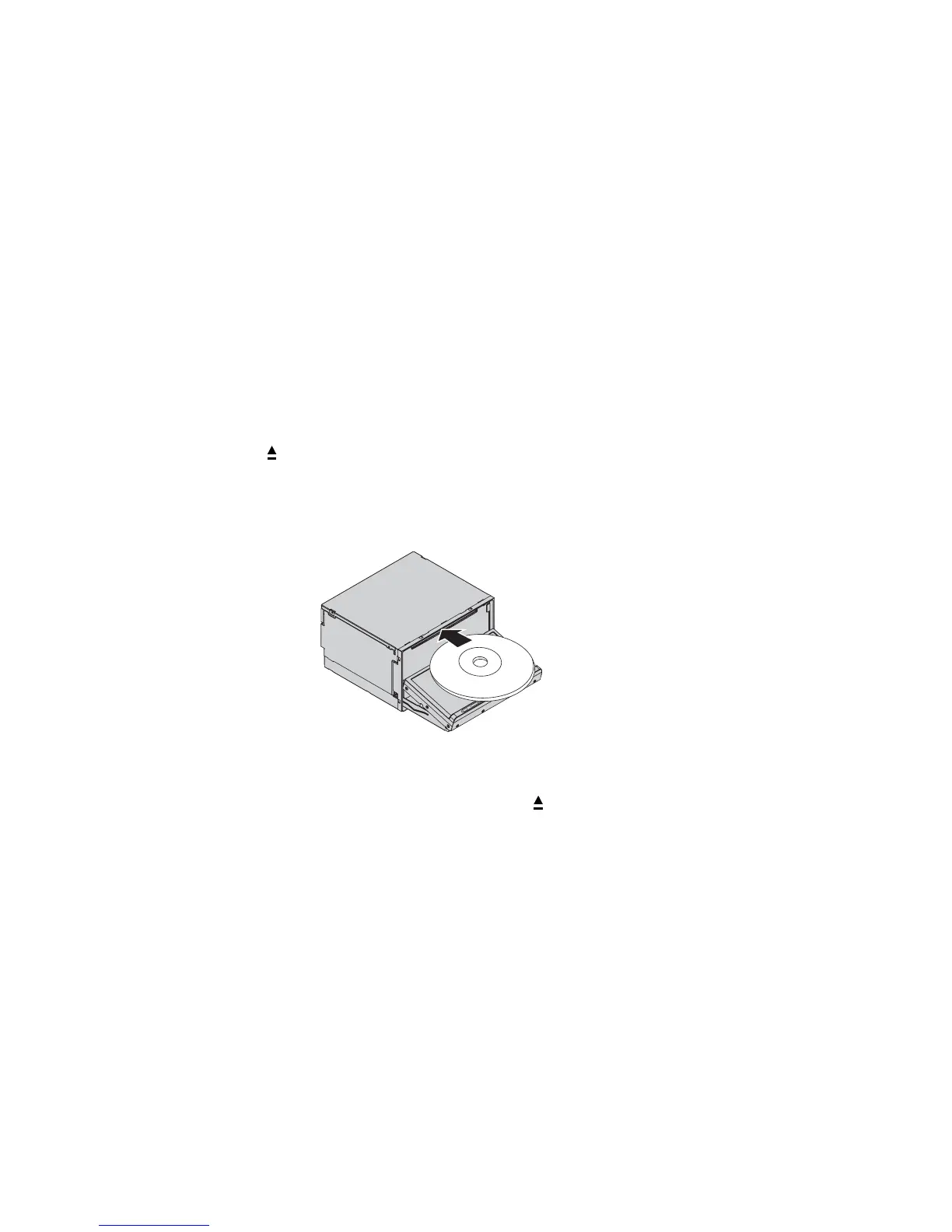
Inserting a CD/DVD
• Push the button (2).
• The display moves to the loading position.
• Push a CD/DVD into the drive slot (9) with the labelled side upwards.
• The display returns to the starting position and the CD/DVD is played back automatically.
• To eject the CD/DVD again after playback, push the button (2) again.
• After removing the CD/DVD, the display moves back to the starting position and the last source selected is played
back.
The following storage media can be played:
DVD / VCD / S-VCD / DVD+/-R / DVD+/-RW / CD / CD-R / CD-RW



 To Next Page