71
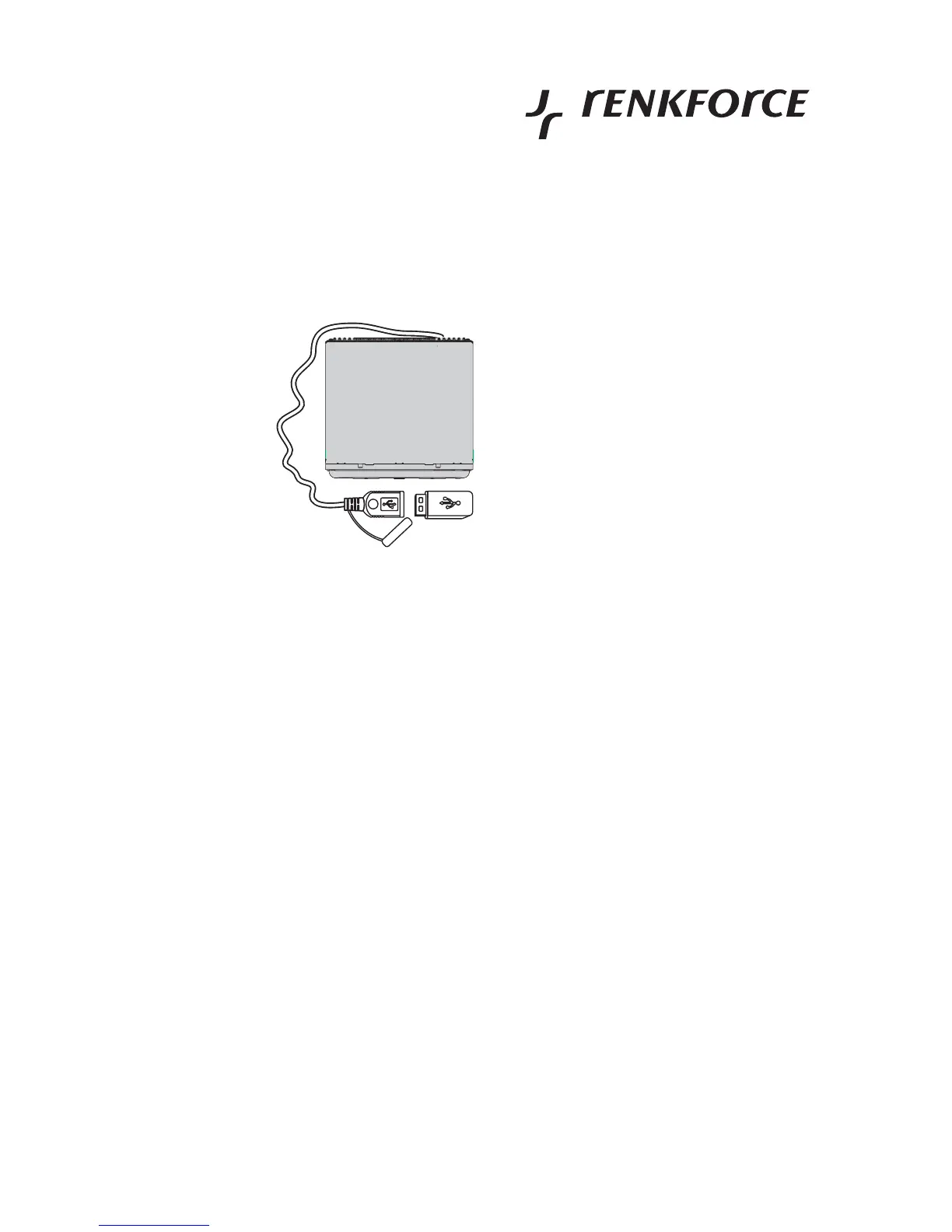
Connection of a USB storage medium
• Open the dust protection lid at the USB connection cable.
• Plug the connection of the USB storage medium into the USB connection.
• The USB medium is automatically played back.
Due to the great variety of systems with USB interfaces and their different functions, some of which are
very producer-specific, we cannot guarantee that all media will be recognized and that all the
operational functions are available on this device.
USB hard discs cannot be connected to this device.
The storage medium must be formatted in FAT32.
USB media with more than 500 mA power intake are not supported.
The max. number of files on the storage medium must not exceed 999.



 To Next Page