67
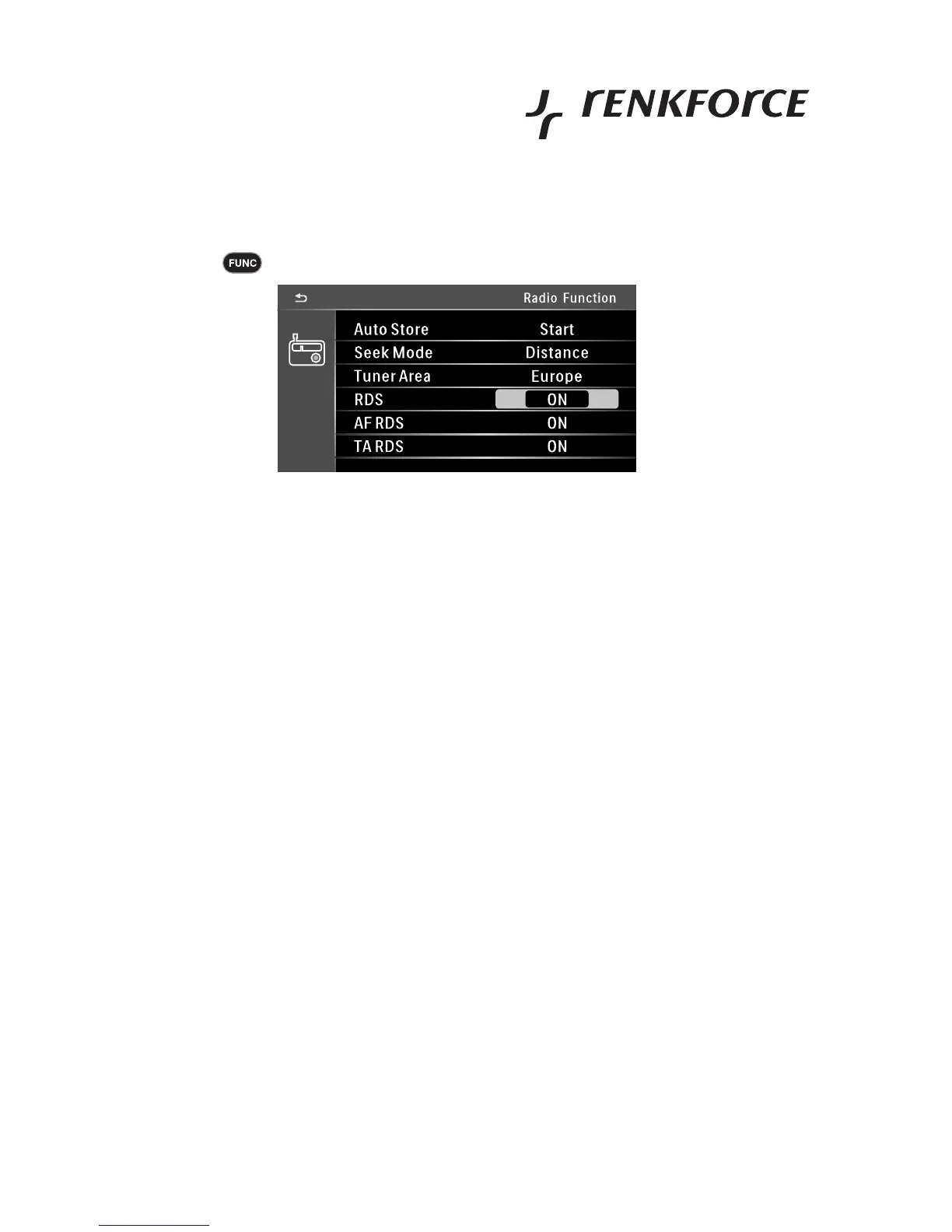
Menu settings for radio operation
Touch the button
• AUTOSTORE performs an automatic station search
The stations found are stored on the station buttons
• SEEK MODE sets the search sensitivity
LOCAL receives only strong stations
DISTANCE receives weaker stations that are farther away as well
• TUNER AREA sets the receiver range for different countries
Set EUROPE here
• RDS switches the RDS system on or off
ON > RDS function on
OFF > RDS function off
• AF RDS switches automatic station tracking on or off
ON > AF function on, device switches to better frequency if reception is bad
OFF > AF function off, device does not switch to better frequency if reception is bad
• TA RDS switches the traffic announcement function on or off
ON > TA function on, device automatically switches to radio operation for the time of an announcement for traffic
announcements
OFF > TA function off



 To Next Page