73
File navigation
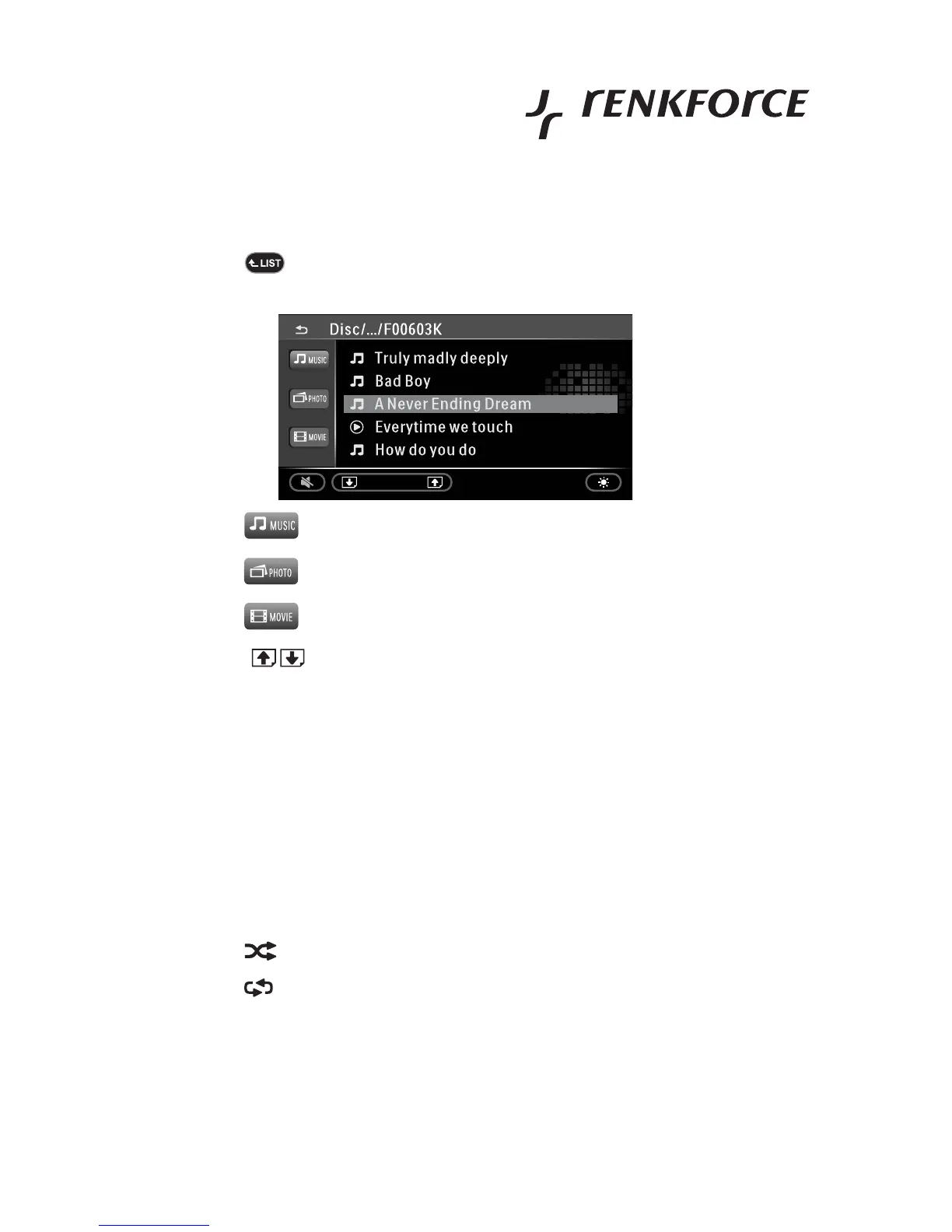
• Touch the button .
• The display shows an overview of the files on the medium.
• Touch the button to display the present music files.
• Touch the button to display the present picture files.
• Touch the button to display the present video files.
• Touch the buttons to browse to the next screen page.
• Touch the desired file on the display to select it and touch it again to play it. Alternatively, you can also select the
file and then use button X.
Playback of music files
During audio playback, (any present) information on the currently played track is displayed.
• Touch the button to stop playback (pause mode).
• Touch the button X to continue playback.
• Touch the XX| button to jump to the next track.
• Touch the |WW button to return to the previous track.
• Touch the button to activate or deactivate random playback.
• Touch the button to activate the repeat function.
ONE repeats the current track
FOLDER repeats the current directory
ALL repeats the entire content



 To Next Page