11. Power Supply
This calculator is powered by 2pcs of button cell battery type L1131F.
• Replacing the Battery
Dimguresonthedisplayofthecalculatorindicatethatbatterypowerislow.Continueduse
of the calculator when the battery is low can result in improper operation. Replace the battery
assoonaspossiblewhendisplayguresbecomedim.
• To replace the battery
1. Press to turn power off.
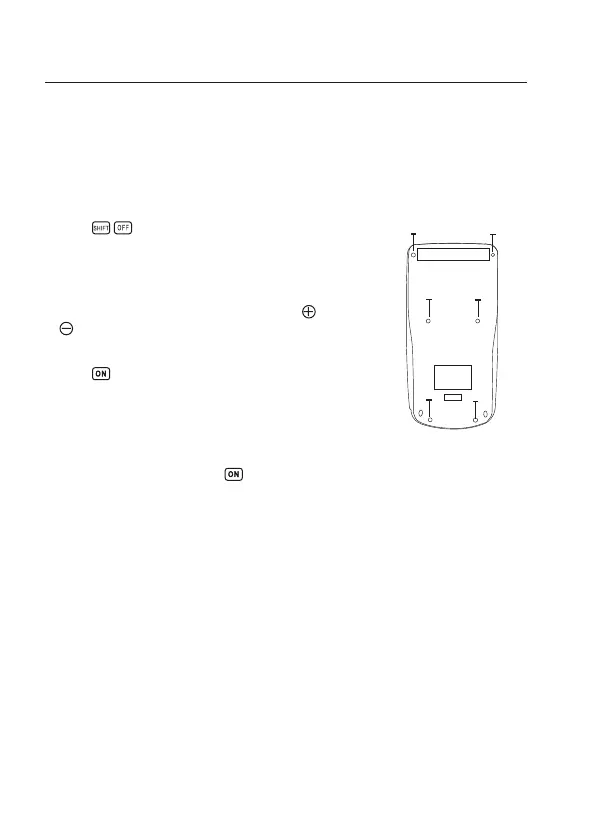
2. Remove the six screws that holdthebackcover in place and
then remove the back cover.
3. Remove the old battery.
4. Load a new battery into the unit with its positive and negative
ends facing correctly.
5. Replacethebackcoverandsecureitinplacewiththesixscrews.
6. Press to turn power on.
Auto power off
Calculator power automatically turns off if you do not perform any operation for about six
minutes.When this happens, press to turn power back on.
Screw Screw
31


 To Next Page