5. Two-line display
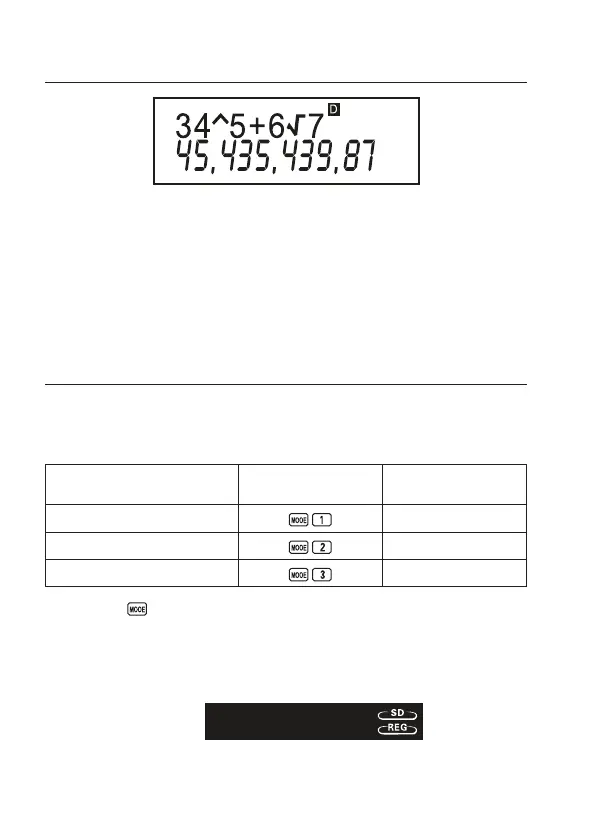
The two-line display makes it possible to view both the calculation formula and its
result at the same time.
• The upper line shows the calculation formula.
• The lower line shows the result.
A separator symbol is displayed every three digits when the integer part of the mantissa has
more than three digits.
6. Before getting started
Modes
Beforestartinga calculation, you must rst enter the correct mode as indicated in the table
below.
To perform this type
of calculation:
Perform this key
operation:
To enter this mode:
Basic arithmetic calculations COMP
Standard deviation SD
Regression calculations REG
• Pressing the key more than once displays additional setup screens. Setup screens are
described in the sections of this manual where they are actually used to change the calculator
setup.
• In this manual, the name of the mode you need to enter in order to perform the calculations
being described is indicated in the main title of each section.
Example:
Statistical
calculations
7


 To Next Page