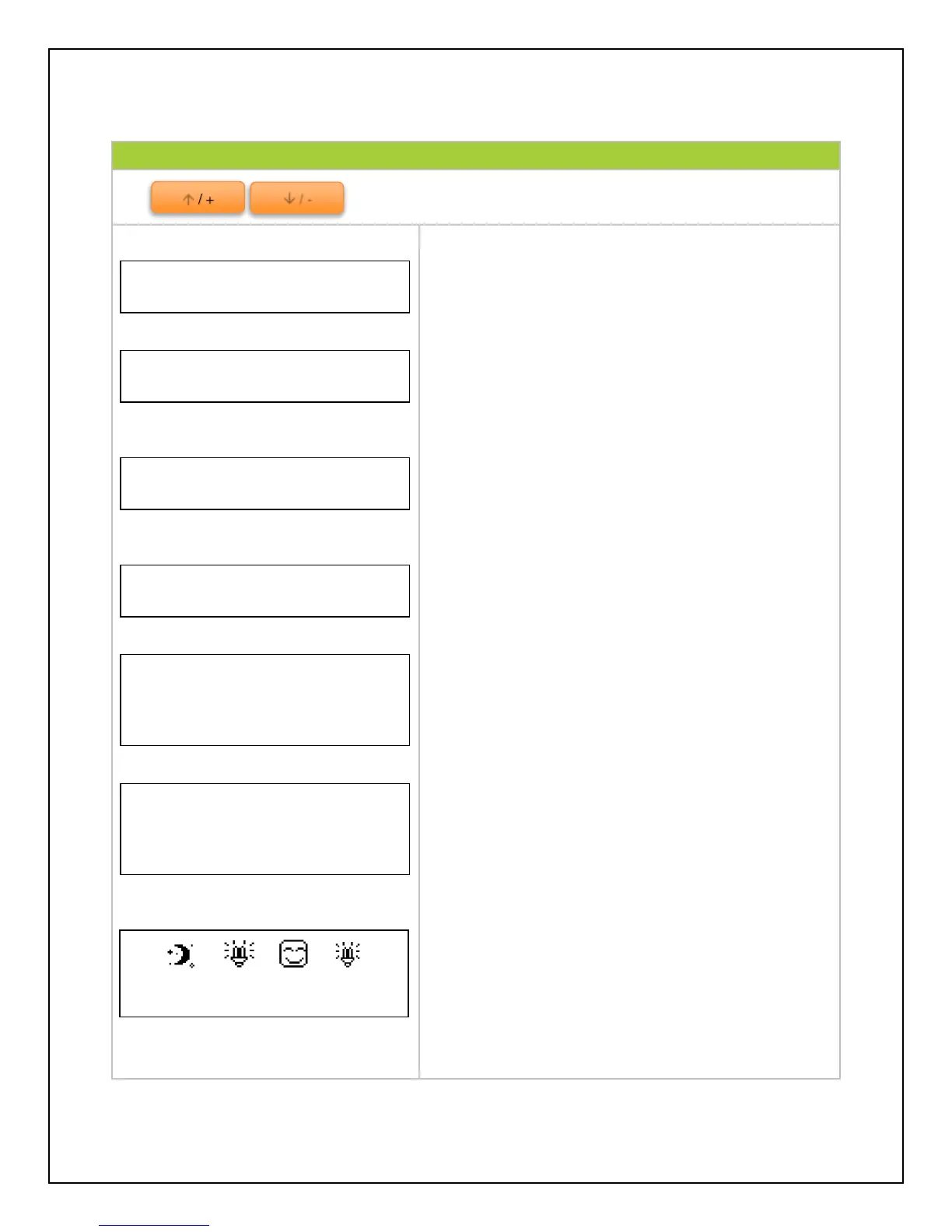
Indicates the voltage (V) and amperage (A) that the
solar panel(s) are delivering to the controller
Indicates the voltage (V) and amperage (A) that the
solar panel(s) are delivering to the battery
Indicates the ambient temperature as well as the
SOC (State of charge) of the battery
NOTE: If the remote temperature sensor is connected,
the temperature will reflect that temperature instead
Indicates Load voltage (V) and amperage (A) draw
System status of components—PV panels, Battery
status, Load status, and Device functionality. Refer
to System Status Glossary for more information
The kilowatt hours accumulated in a day, Month, and
total since the controller has been turned on
NOTE: Once the battery is disconnected, the values
are reset to 0 unless there is an external battery
installed on the controller face
System status icons, date, and time. Refer to
System Status Icons for more information



 To Next Page