18
Charge Controller Troubleshooting
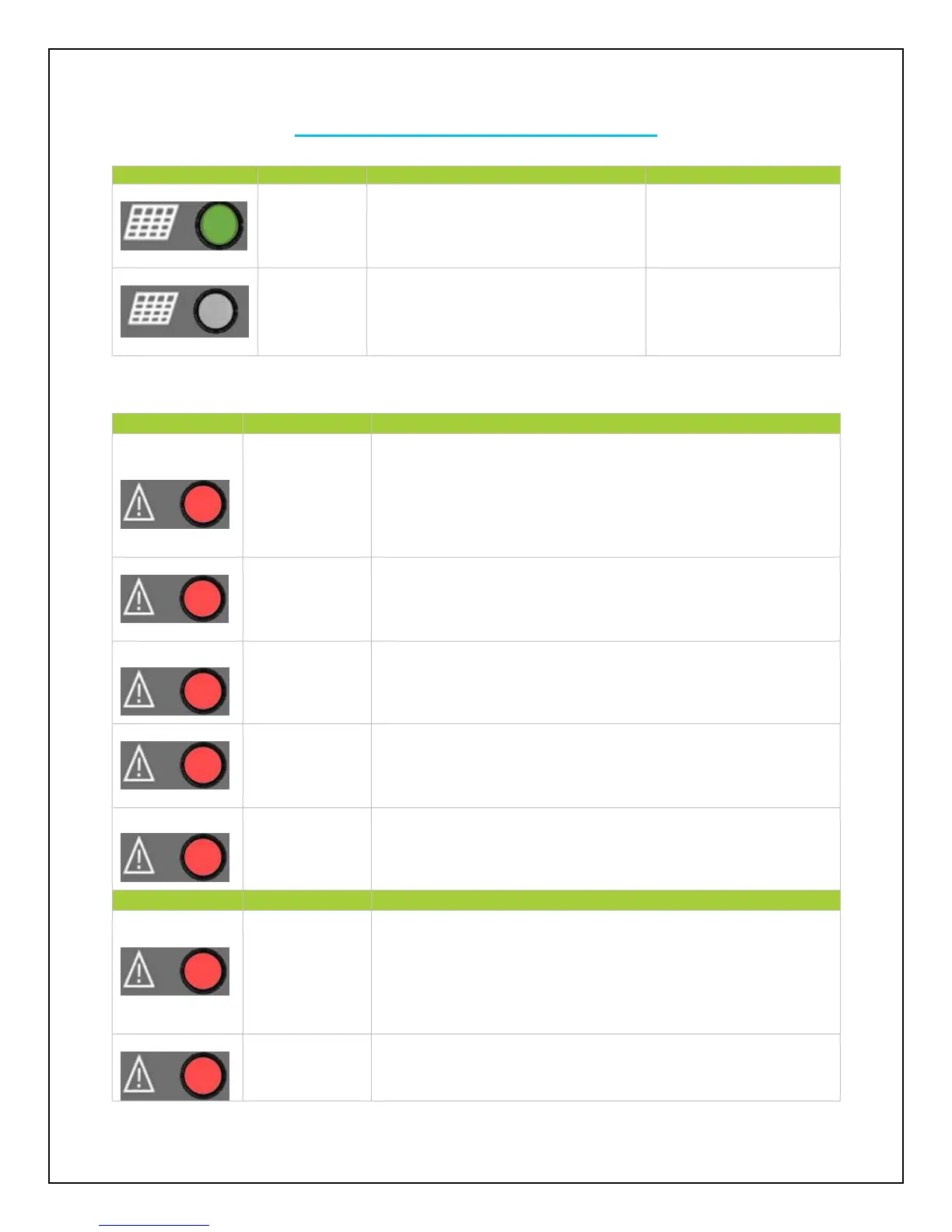
The controller recognizes the PV
solar panel(s). System is functioning
normally.
The controller does not recognize the
solar panel(s).
If it is nighttime, the light
will be off. Otherwise
double check that the
poles are not switched.
Check connections and make sure there is not a short
somewhere along the line. Use a multi-meter to determine
whether the panel(s) output is normal prior to connection. Then
reset the controller to factory settings.
Use a multi-meter to determine whether solar panel(s)
specification match the nominal parameters of the charge
controller.
Reset the controller to factory settings. If problem persists,
contact the supplier
Reset the controller to factory settings. If problem persists,
contact the supplier
Reset the controller to factory settings. If problem persists,
contact the supplier
Check that the battery connections are properly connected to the
battery terminals of the charge controller. Make sure there is no
short along the line. Reboot the controller. If problem continues,
reset the controller.
Place the controller in a cooler environment where it will
automatically reconnect



 To Next Page