15
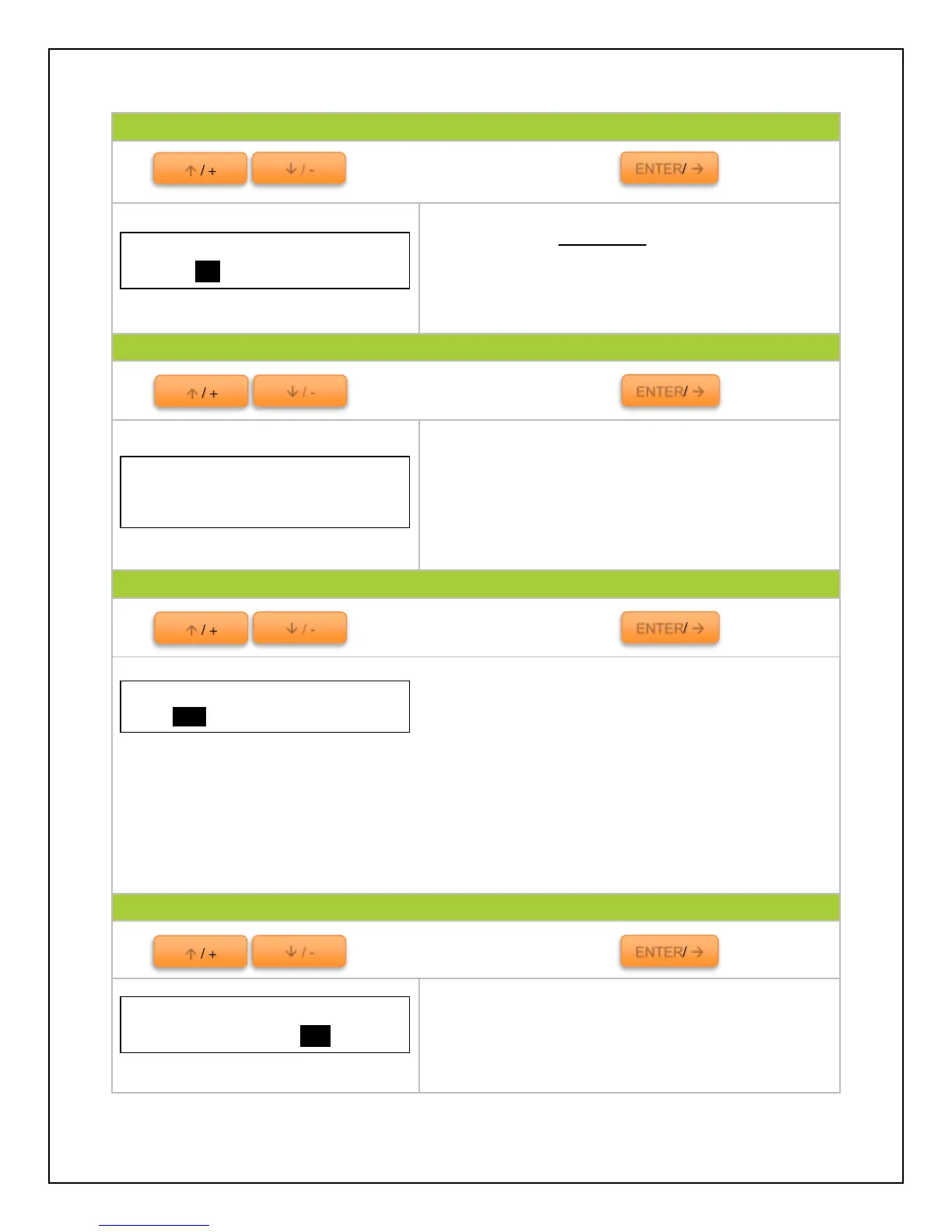
Use to cycle through the screens. Press to select
Test the load of the charge controller. Once settings
have been set in 4. Load Set, the user is able to test
whether the load will turn on upon direction.
NOTE: Delay must be set to “0” to see immediate
results.
Use to cycle through the screens. Press to select
Setting a password for the controller prohibits the
user from programming the controller unless the
password is set.
NOTE: Default Password is “00000” if it prompts the
user to enter a password before they set one.
Use to cycle through the screens. Press to select
Voltage Compensation and State of Charge Battery
Managing modes to determine battery charge status.
NOTE: It is not possible to measure actual SOC, but rather express it as a percentage of some
reference. In this case it is voltage alone (VC) or battery capacity over a time span (SOC).
VC. converts a reading from battery voltage to determine SOC by utilizing the charge
controller’s algorithm for known discharge. It is highly sensitive to temperature changes and battery
disturbances thus having less accurate battery charge statuses.
SOC is more accurate by keeping track of the voltage and current flow in and out of the
battery when reporting battery charge status. The SOC is determined by multiplying current by the
time for which it flowed.
Use to cycle through the screens. Press to select
Reset the controller to factory settings. This will
erase any customized parameters the user may have
set.
Password
Ori.PSW: 000000
NewPSW: 000000



 To Next Page