TROUBLESHOOTING
If your PHOENIX 200 does not operate normally, please refer to the following table for a possible cause and
solution.
If the following troubleshooting solutions do not work, please contact us for help. Refer to the last page of User
Guide for contact information.
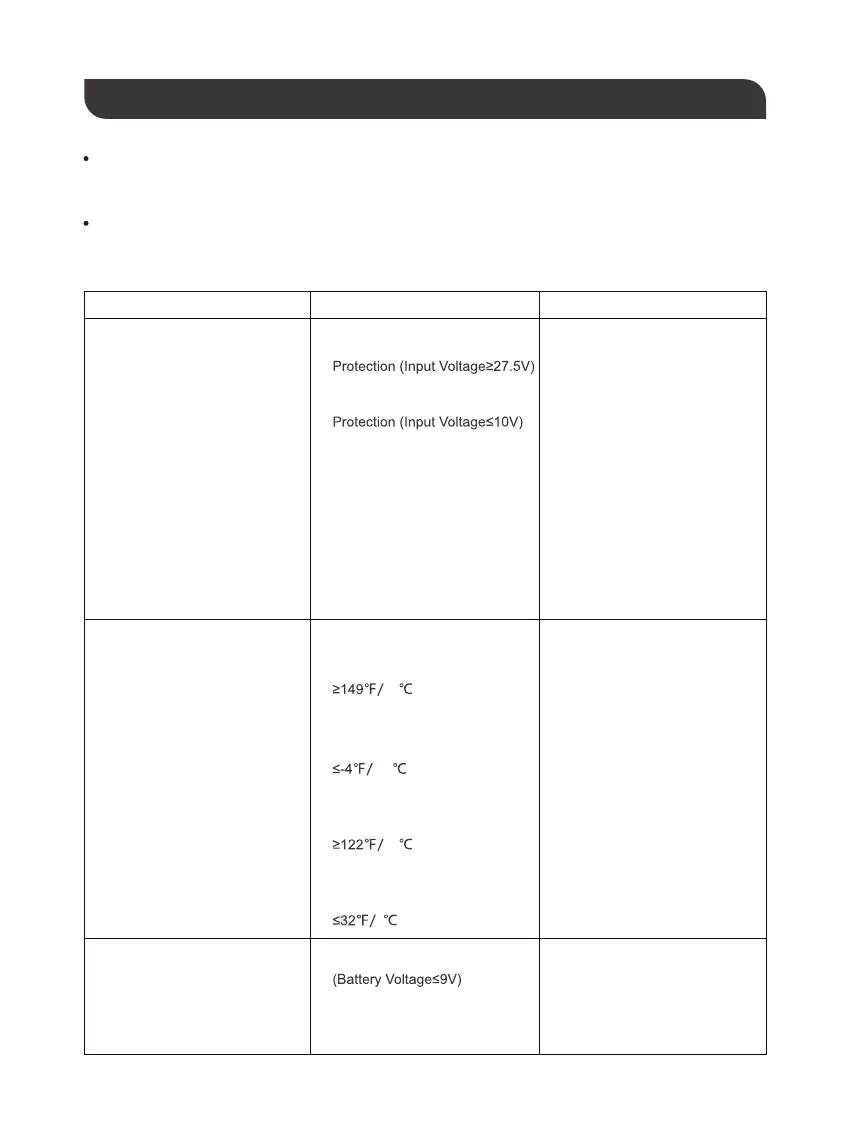
LED Indicators Possible Causes Solution
All Battery Level LED Indicators
flash twice per second
All Battery Level LED Indicators
and Port Status LED Indicators
flash twice per second
DC Input Port Overvoltage
DC Input Port Undervoltage
1.
Discharge High Temperature
Protection (Battery Temperature
65 )
1.
Discharge Low Temperature
Protection (Battery Temperature
-20 )
2.
Recharge High Temperature
Protection (Battery Temperature
50 )
3.
Recharge Low Temperature
Protection (Battery Temperature
0 )
4.
2.
Remove all connections
If the voltage rating of power
source does not fall in the
range of 12-25V, stop using
that power source to
recharge the unit.
1.
2.
Connect the unit to the power
source that conforms to the
specifications of DC Input
Port and the unit will resume
recharging automatically.
3.
Remove all connections.
Cool down or warm up the
unit to the room temperature.
1.
The last Battery Level LED
Indicator flashes twice per
second and the unit get shut off
afterwards
Battery Low Voltage Protection
1. Remove all output connections.1.
Press the Main Power Button
to restart the unit and press
the Ports On/Off Buttons.
2.
2.
If the unit was powering loads,
press the Port On/Off Button(s)
to turn on the output port(s)
again and reconnect the loads
to the unit.
3.
If the unit was recharging,
reconnect the unit to the power
source and the unit will resume
recharging automatically.
4.
- 13 -


 To Next Page