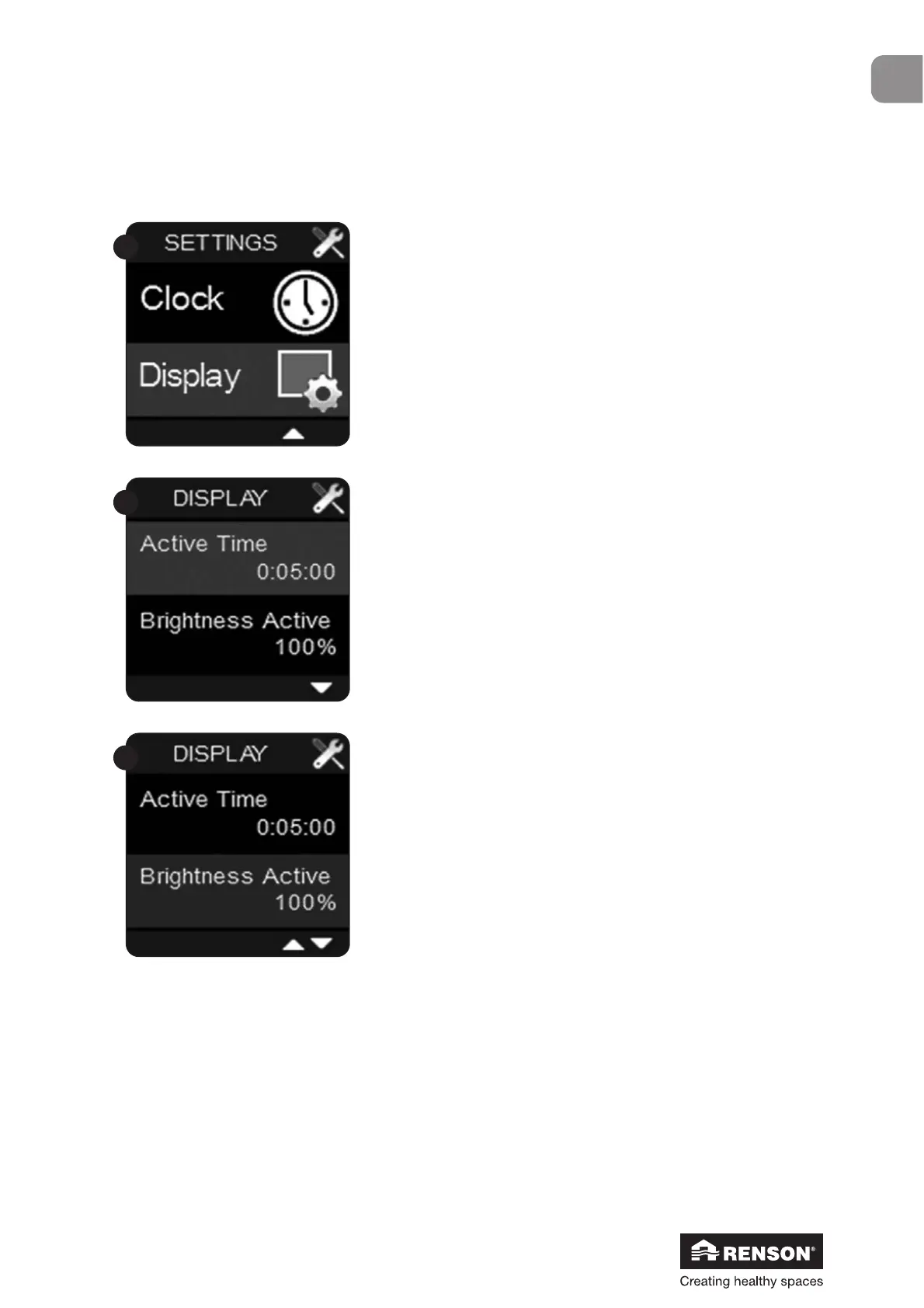
Select ‘Display’ in the User menu and confirm with .
‘Active time’. This is the time interval after
which the display goes into stand-by.
If the time is set at 0:00:00,
the display will continuously remain active.
Confirm with ■ to alter the time interval and
change the value with ▼ and ▲.
Use ■ to confirm the time interval.
‘Brightness Active’. This menu is used to
change the clarity of the active display.
Choose a value between 25% and 100% with
▼ and ▲ and confirm with ■.


 To Next Page