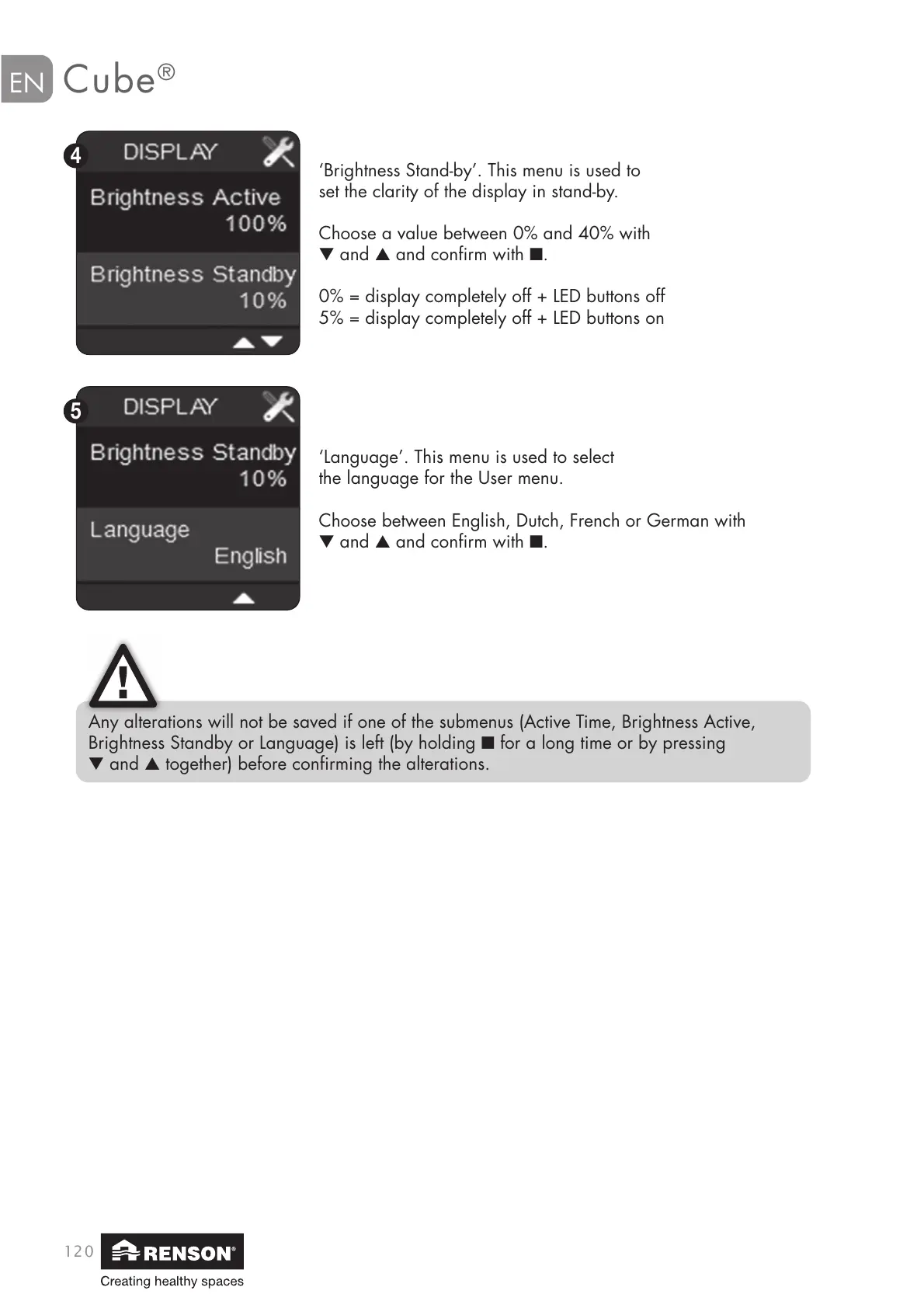
‘Brightness Stand-by’. This menu is used to
set the clarity of the display in stand-by.
Choose a value between 0% and 40% with
▼ and ▲ and confirm with ■.
0% = display completely off + LED buttons off
5% = display completely off + LED buttons on
‘Language’. This menu is used to select
the language for the User menu.
Choose between English, Dutch, French or German with
▼ and ▲ and confirm with ■.
Any alterations will not be saved if one of the submenus (Active Time, Brightness Active,
Brightness Standby or Language) is left (by holding ■ for a long time or by pressing
▼ and ▲ together) before confirming the alterations.


 To Next Page