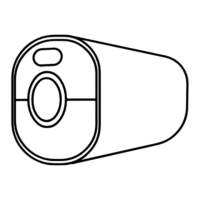
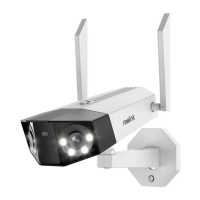
Reolink Wireless Battery-powered Camera
Change Wi-Fi connection of the camera
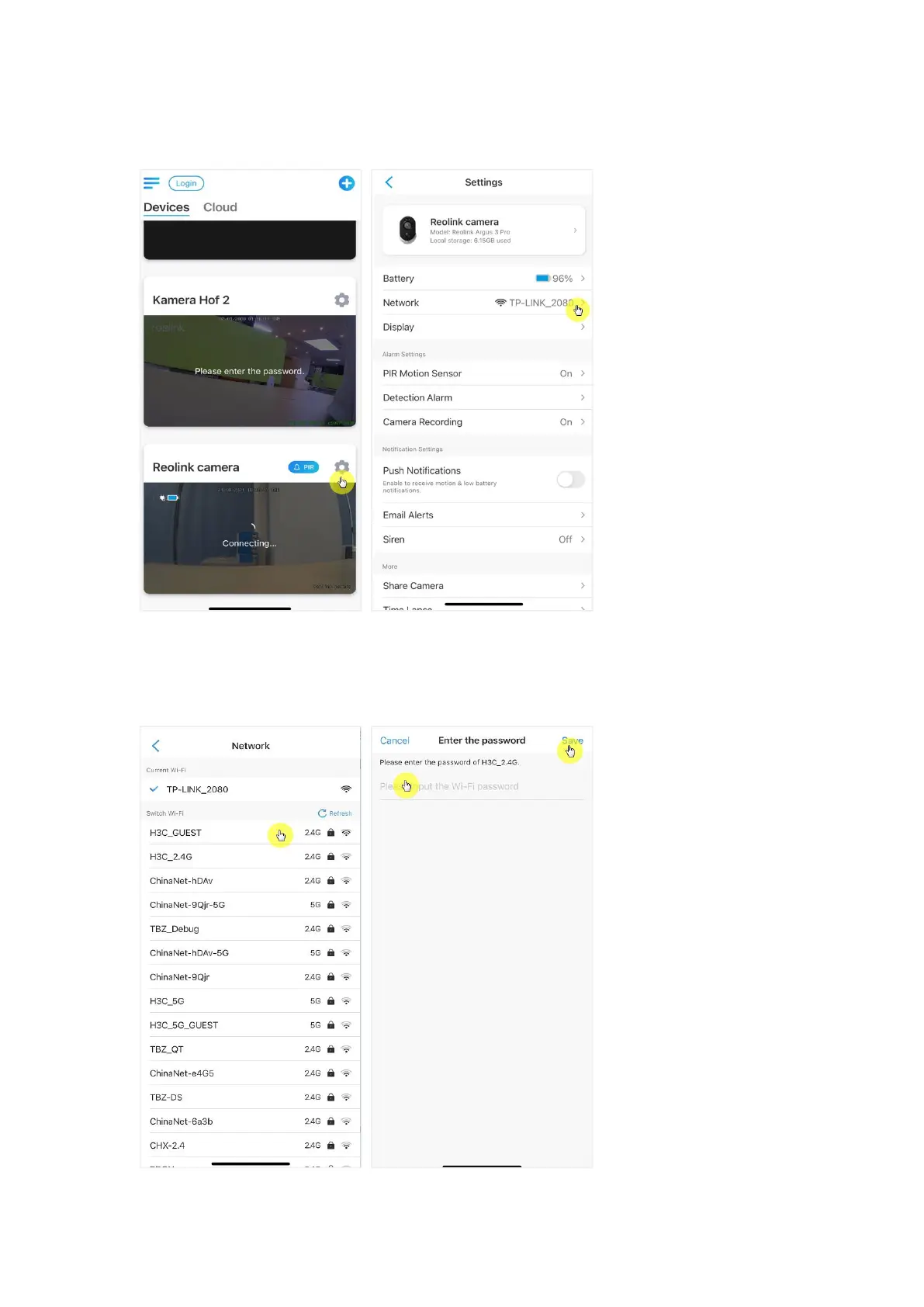
1.Tap on camera Device Settings, then tap Network menu.
2.Choose the available Wi-Fi you want the camera to connect to, and input the
Wi-Fi password. Then tap Save to connect. It’ll take a minute for the camera to
re-connect to the new Wi-Fi.



 To Next Page
 Loading...