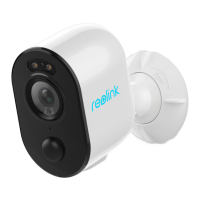
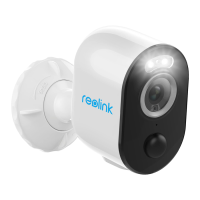
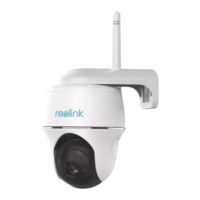
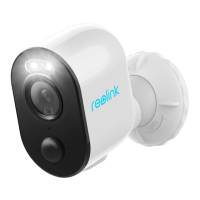
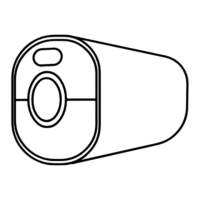
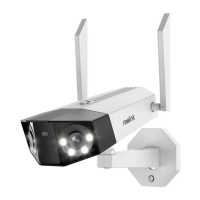
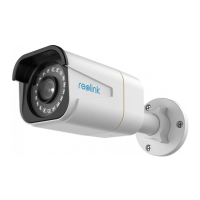
Reolink Wireless Battery-powered Camera
Check the micro SD card status
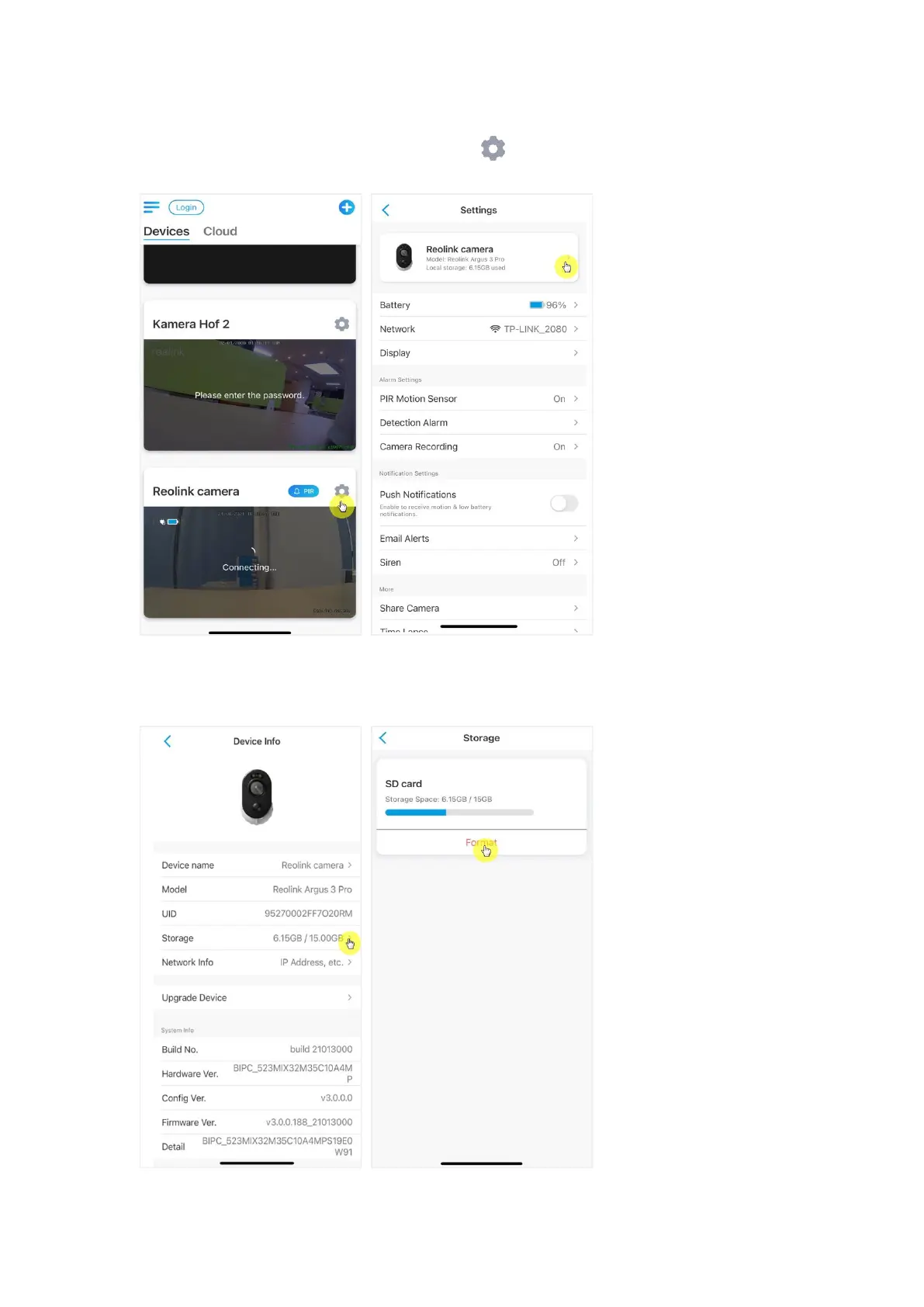
1. Launch the Reolink App and tap Settings , then tap the camera to enter
Device Info page.
2. Tap Storage, and you can see the SD card used space/total storage space.Tap
Format to format the SD card.



 To Next Page
 Loading...