6 Configure Password
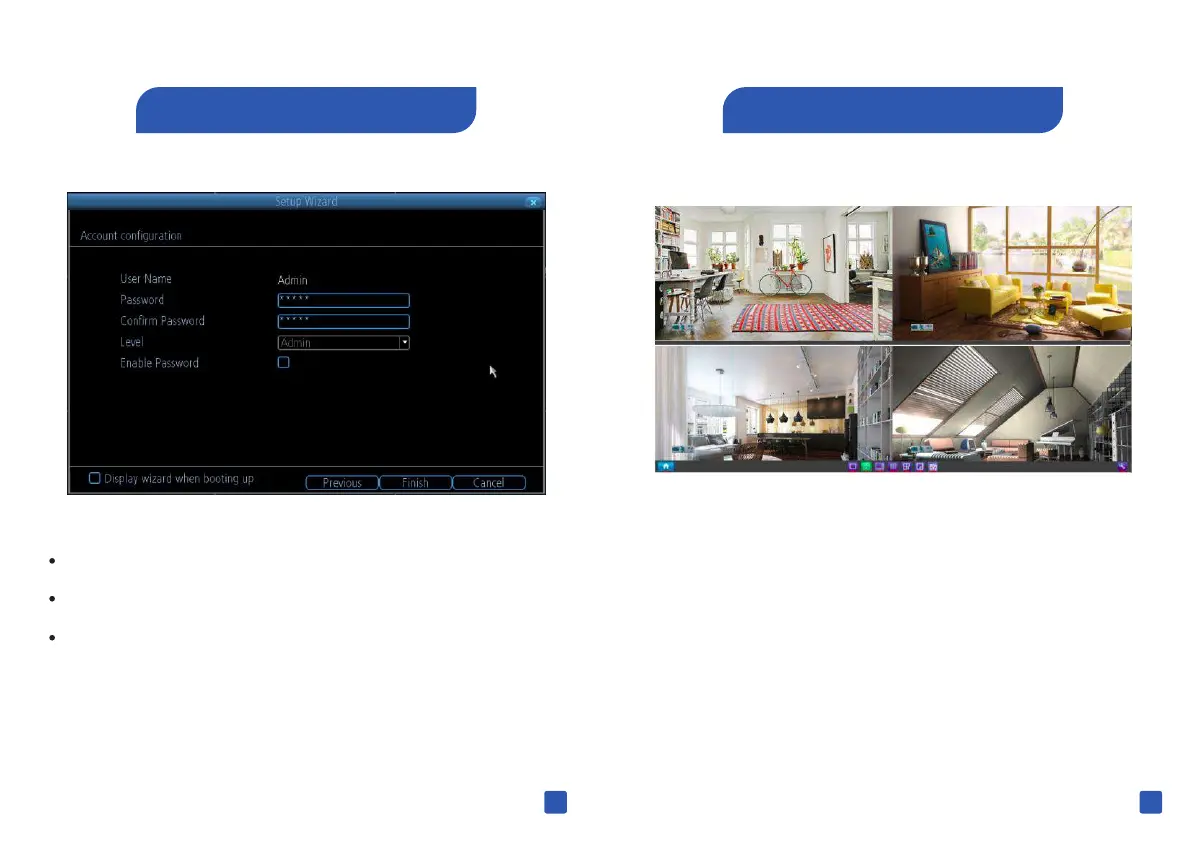
You can set new password to your NV R
The default password is 12345
Select “ Enable Password ” if you would like an extra
authentication on your NVR . Each time you access the
NVR main menu interface, you'll need to input password.
15 16
7 Live View Screen
Live View is the default display mode for the NV R where all
of your connected cameras are displayed on-screen , You
can check the status or operation of your NVR and cameras
using the icons and menu bars on the Live View screen .



 To Next Page
 Loading...

