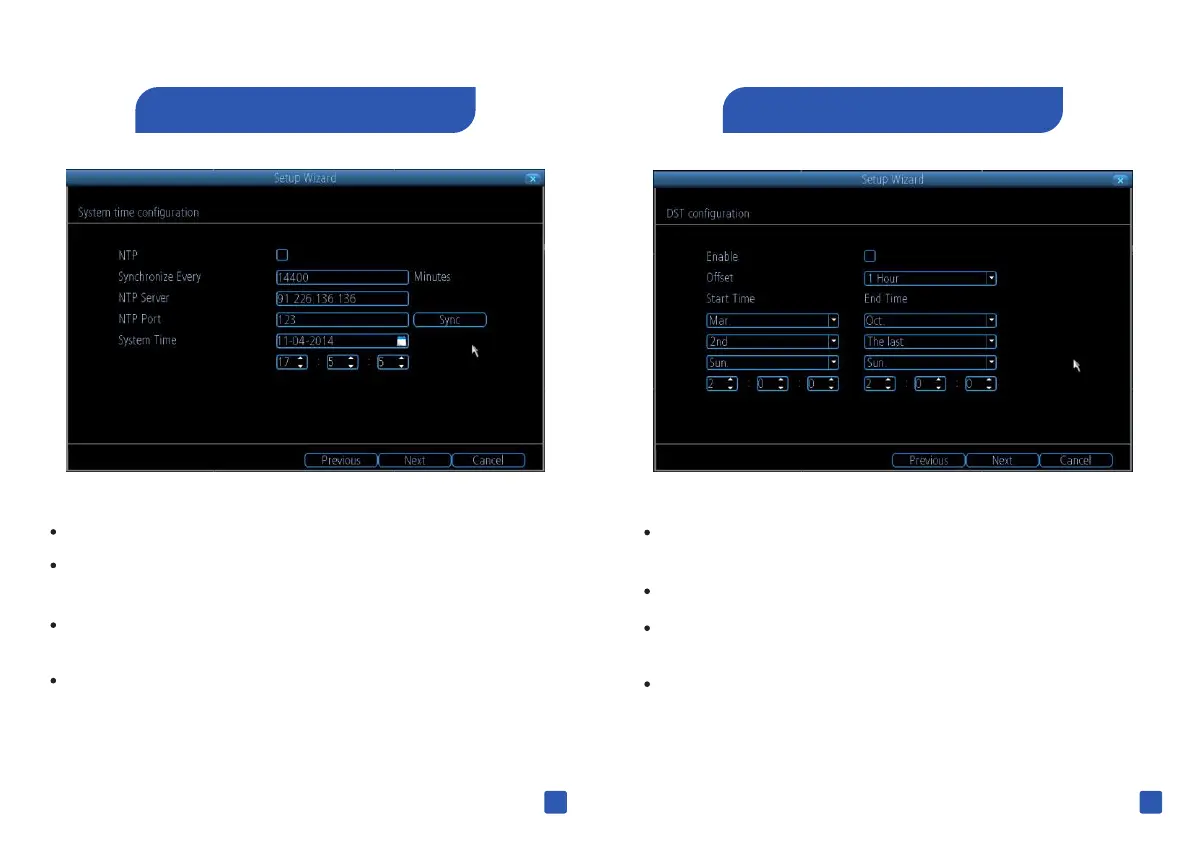
You can configure NVR to auto adjust its time for Daylight
Savings in your time zone .
You can set when daylight saving time start and ends ,
If daylight savings do not apply to your locale , unmark the
checkbox .
Click “ Next” to continue .
5 Daylight Saving
4 Internet Time
You can set your NVR's system date and time
You can Sync your NV R's clock with an Internet Time Service
using NTP
Click “Sync” and your NVR will auto sync its internal clock
with the time server
Click “ Next” to continue.
13
14



 To Next Page
 Loading...

