8 Menu Bar
Right click the mouse on the live view screen to open
the main Menu
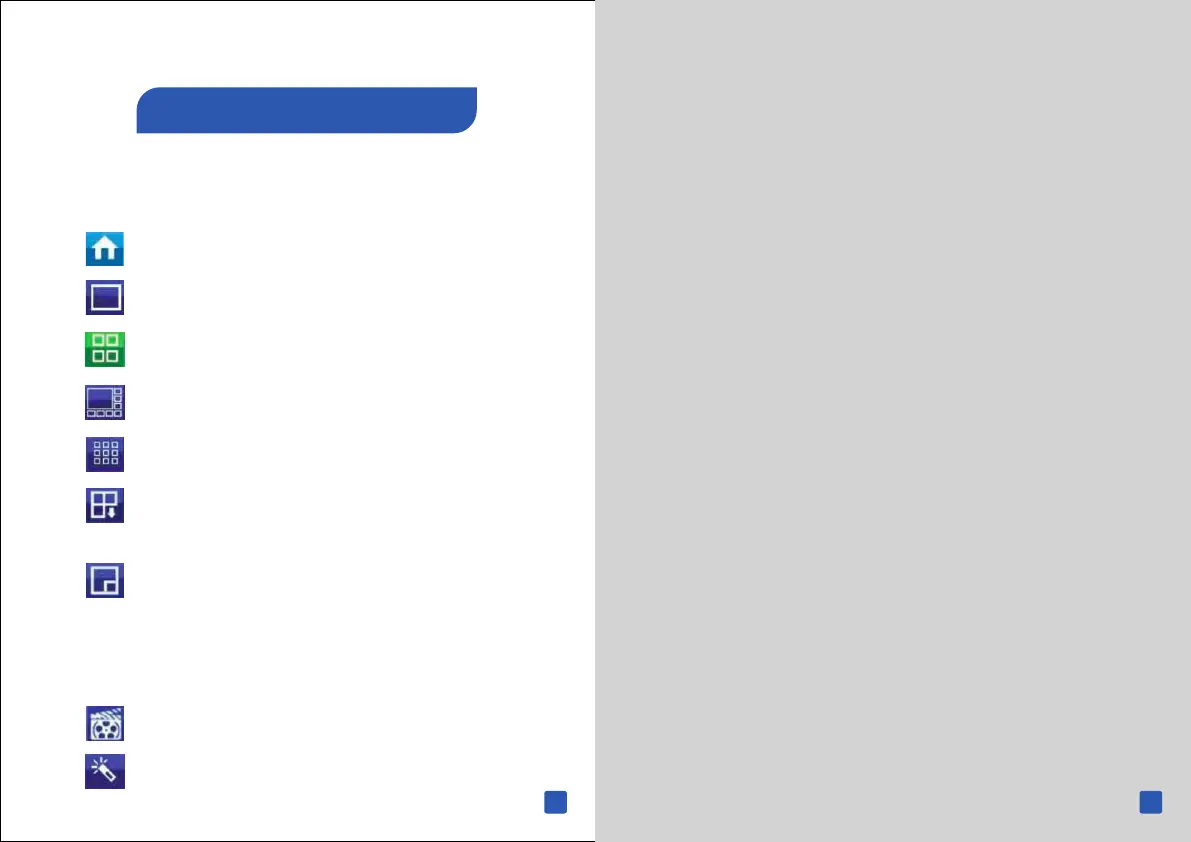
1. Opens the Main Menu.
2. Single camera view.
3. Four-camera view.
4. Eight-camera view
5. Nine-camera view
6. Click this to view the next camera or screen when
the NVR is in single or four-camera view.
7. Click this to enable picture-in-picture when
viewing multiple cameras. When en- abled , one camera
will be displayed full screen while the other camera
will be dis- played in a small window.
8. Click this to do a manual recording.
9. Click this to start the Setup Wizard
17 18
Quick Start Guide
Mobile App



 To Next Page
 Loading...

