Step 3 Connect Network
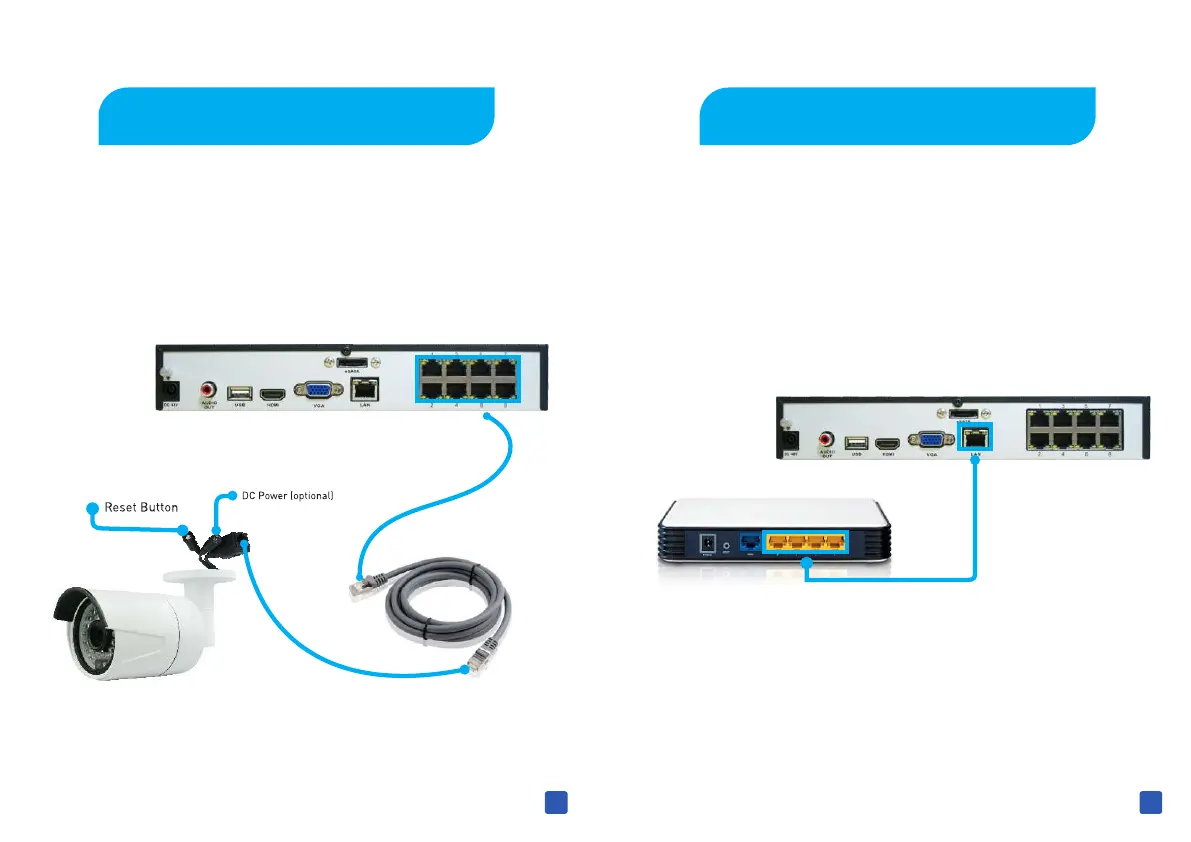
If you want to view the N VR from Mobile or Internet , you need
to connect NVR to Internet .If don't connect to Internet , it will
still works, just some function maybe affected .
3
Step 2 Connect Cameras
Use the supplied cable, one side into the back socket of NVR,
other side into the network socket of Camera as below.
4



 To Next Page
 Loading...

