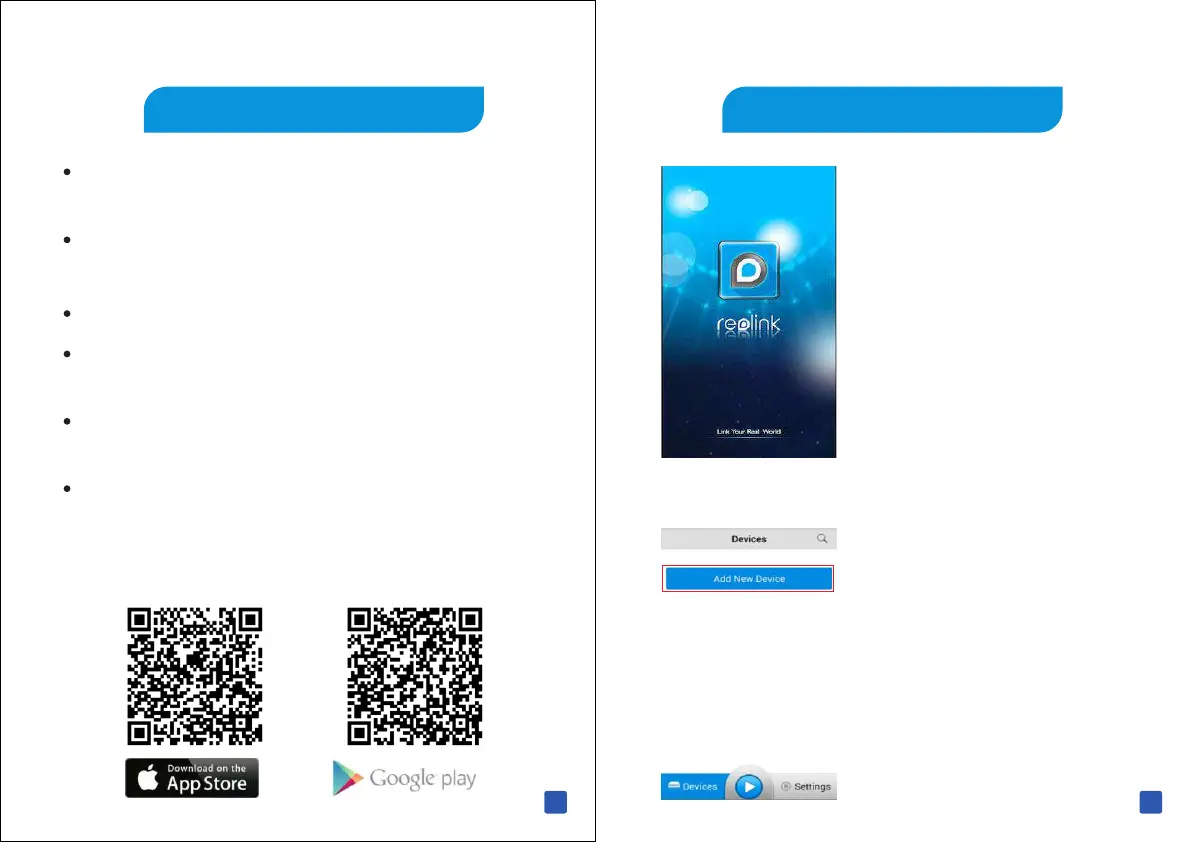
1 After download Reolink and
install the app, run the App .
2 When you first start the app,
you will see this screen, Tap
“ Add New Device ” Button.
A Add A Device
From Reolink App, you can
Add new device by scanning QR code, no need complicate
network settings
Multi-channel viewing with up to 16 channels on screen at
the same time
Remotely playback the recording from your N VR H DD
Capture video from the live view channels to your iOS or
Android mobile device to playback
Capture single and multi images and save these to your
iOS or Android mobile device
Control PTZ (pan, tilt, zoom) cameras remotely
Let's start downloading the Reolink App from Apple Store
or Google Play to experience Reolink from Here .
19 20



 To Next Page
 Loading...

