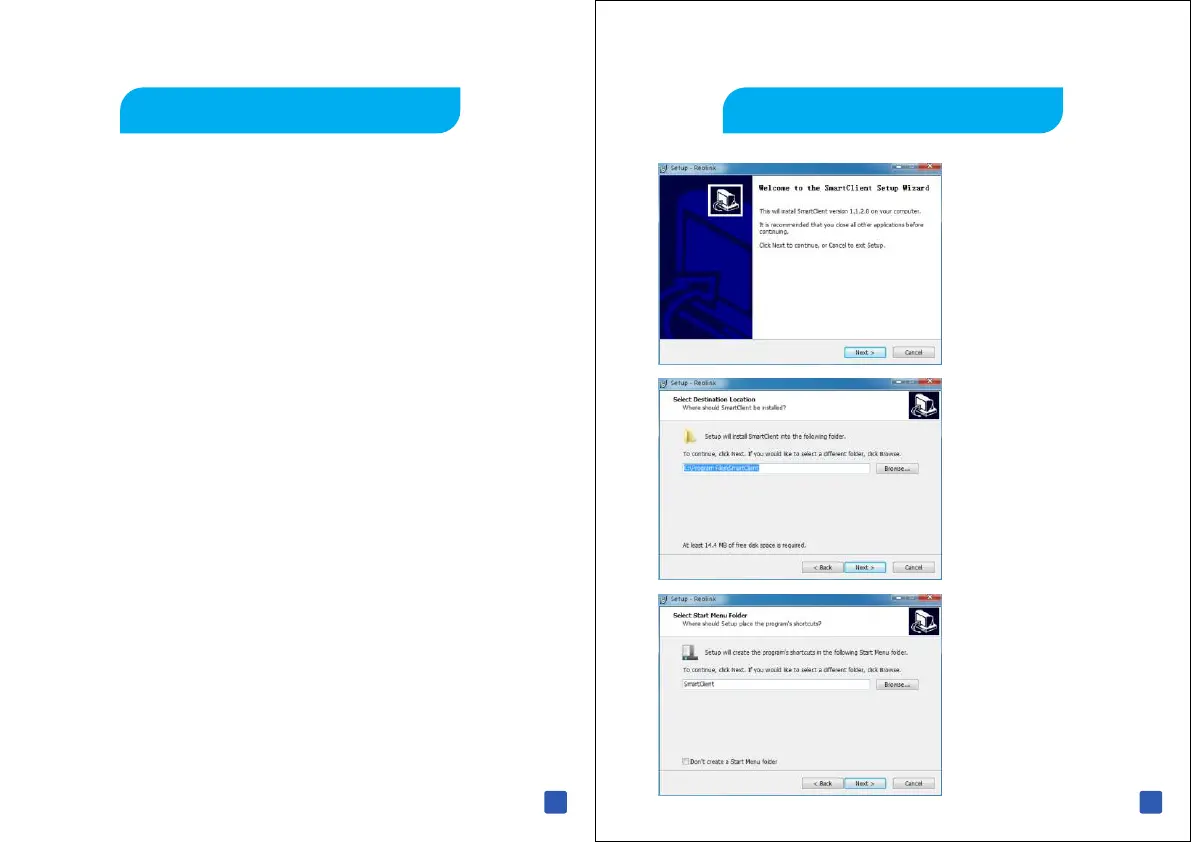
Click Next to Begin
Click Next
Accept the start
Menu name,Click
Next
Install Reolink
Windows Client Software
You can download Reolink Client Software from the CD supplied
or download from Internet to access and control your NVR from
your Computer.
Go to www. reo-link. com to download Reolink client Software.
When finish downloading, navigate to the download folder or the
location you saved the file.
Double click the file , a new window will open, double-click the
program to commence installation. Follow the instructions in this
quick start guide
29
30



 To Next Page
 Loading...

