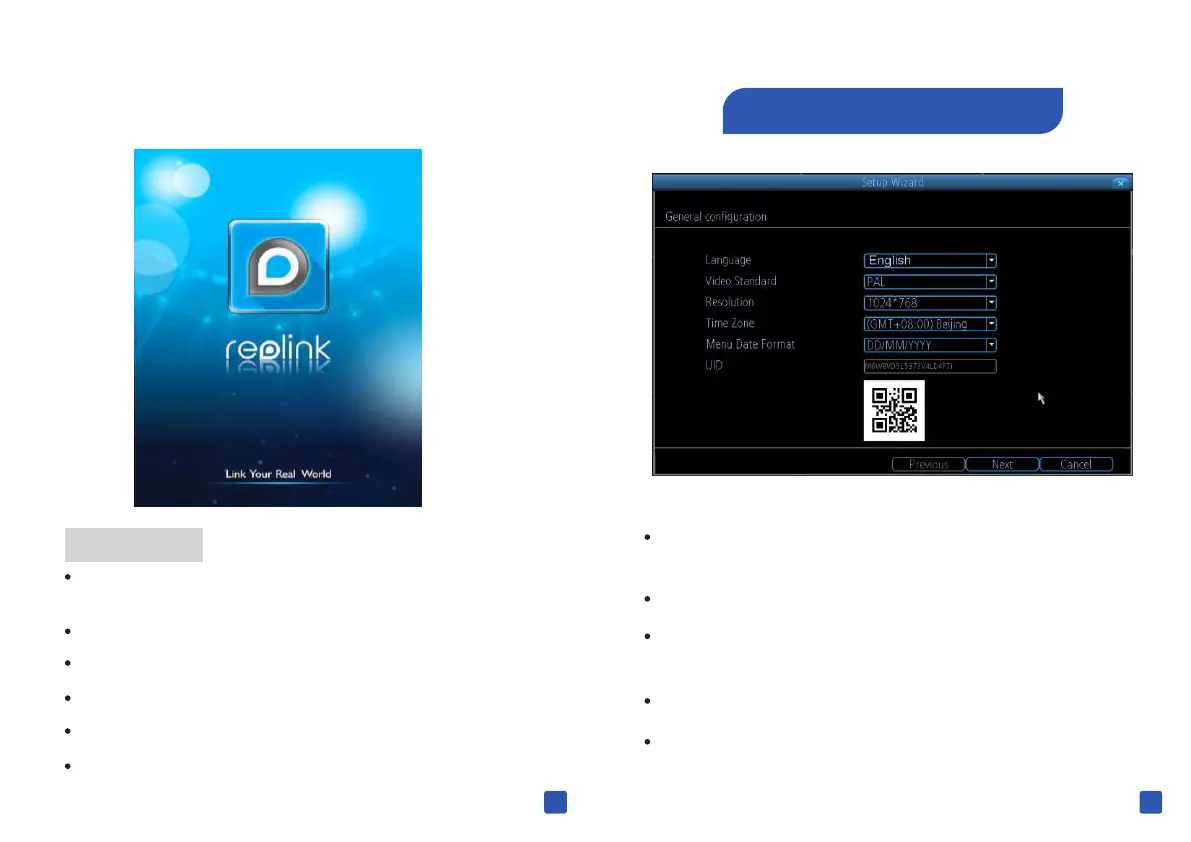
Choose the language you'd like the menu system to be
displayed in
Choose between NTSC (USA,Japan,Canada) or PA L (E U)
Select a resolution for your display . This set should to be
equal to the native resolution of your TV/Monitor.
Choose the time zone you're in
Select your preferred date format
1 General Configuration
The Setup Wizard will run automatically the first time you
start your NVR
Here you can:
Set up language, video format, resolution, time zone and
date format.
Name the cameras
Configure your e-mail account.
Sync the NVR time with the internet server.
Choose settings for daylight saving.
Set a new password for the NVR.
9 10



 To Next Page
 Loading...

