19
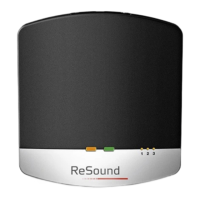
TV Streamer 2 will remain in pairing mode for 20 seconds
3. While pairing mode is activated, close the battery doors of
both hearing instruments and make sure they are ON. A suc-
cessful pairing will be indicated by an audible melody being
played in both hearing instruments. You are now ready to use
the TV Streamer 2
Pairing the TV Streamer 2 in channel 2
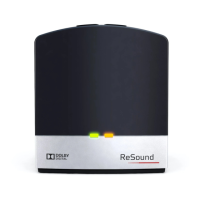
1. Press the pairing button twice. The yellow light indicator on the
front of the TV Streamer 2 will now blink twice every 2 seconds
to indicate that it is ready to be paired in channel 2
2. While in pairing mode close the battery doors on the hearing
instruments
Pairing the TV Streamer 2 in channel 3
1. Press the pairing button three times. The yellow light indicator
on the front of the TV Streamer 2 will now blink three times
every 2 seconds to indicate that it is ready to be paired in
channel 3
2. While in pairing mode close the battery doors on the hearing
instruments


 To Next Page
 Loading...