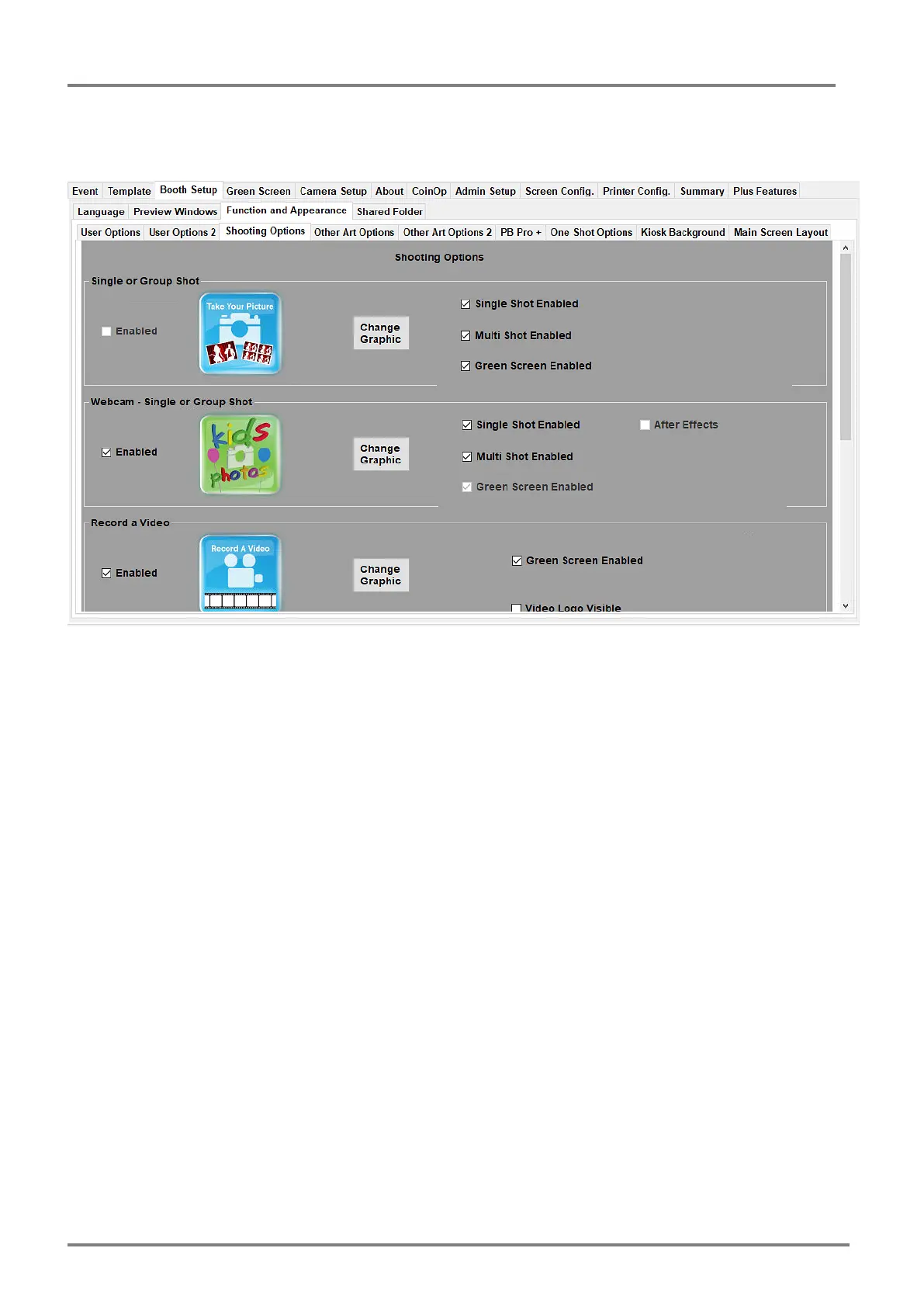
This tab allows the public facing options to be altered in detail to cater for what type of event you
have. In the screen shot above for example we see that Single or Multiple (Group Shot) options
are selected for Sing, Multi shot and also enabling the green screen option.
Also the webcam option is enabled again for single or multi shot.
All the options in this tab are selected and enable/disable all public facing options as personal
preference. It is worth experimenting with these options to get the desired effect.
Note: For new Booth setups it’s worth keeping things as simple as possible before getting a few
events out the way.



 To Next Page