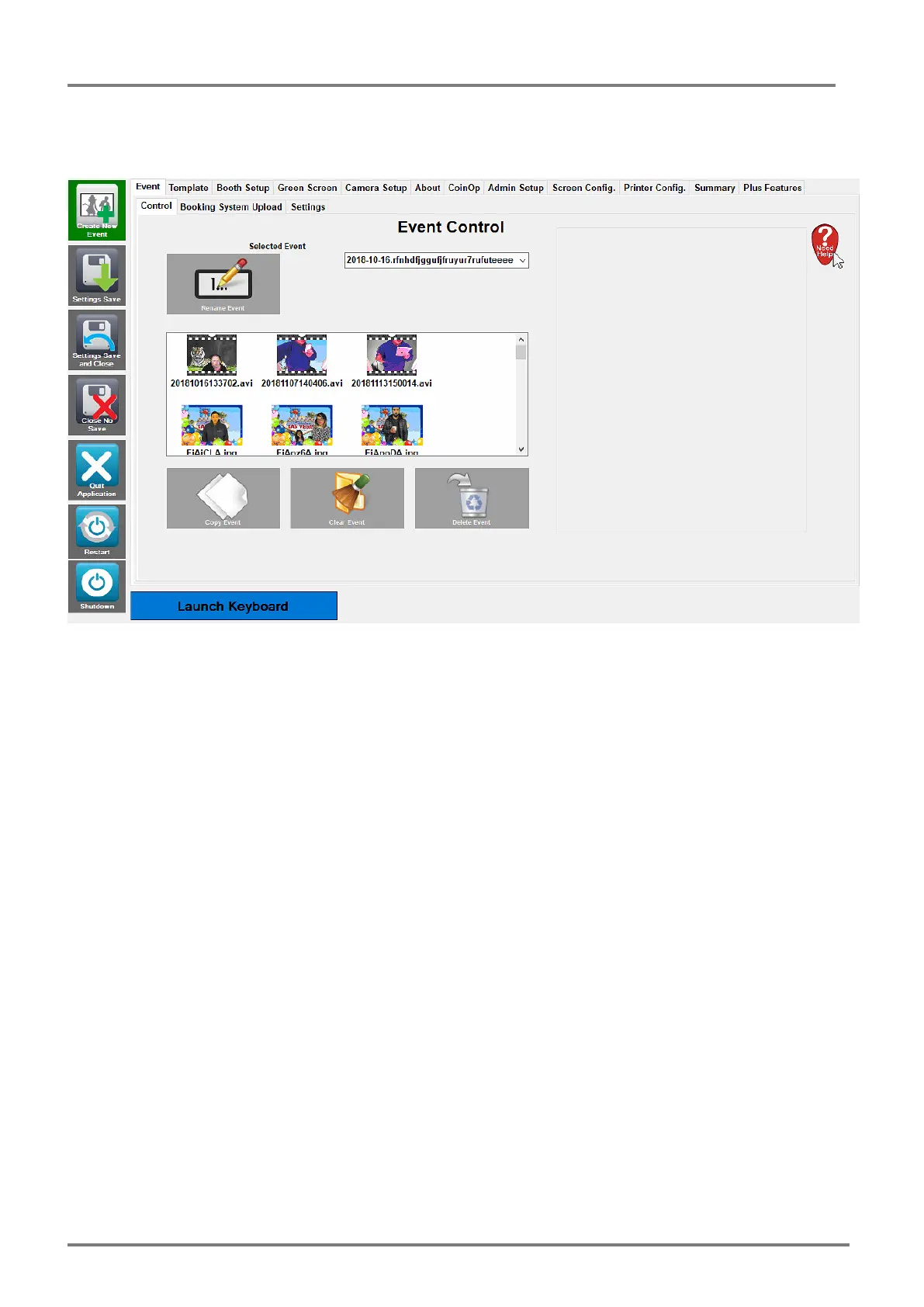
Create New Event – Setup for a new event.
Settings Save – Save all current Admin Settings (but stay in Admin)
Settings Save and Close – Save all current Admin Settings and Close the Admin
Close No Save – Close the Admin, don’t save anything.
Quit Application – Quit’s the PB Pro software back to the Desktop
Restart – Restart’s the PC
Shutdown – Shut’s the PC Down.
The Tabs across the top of the Admin Panel allows you to access certain areas.
We will go through each of these Tabs in Turn.



 To Next Page