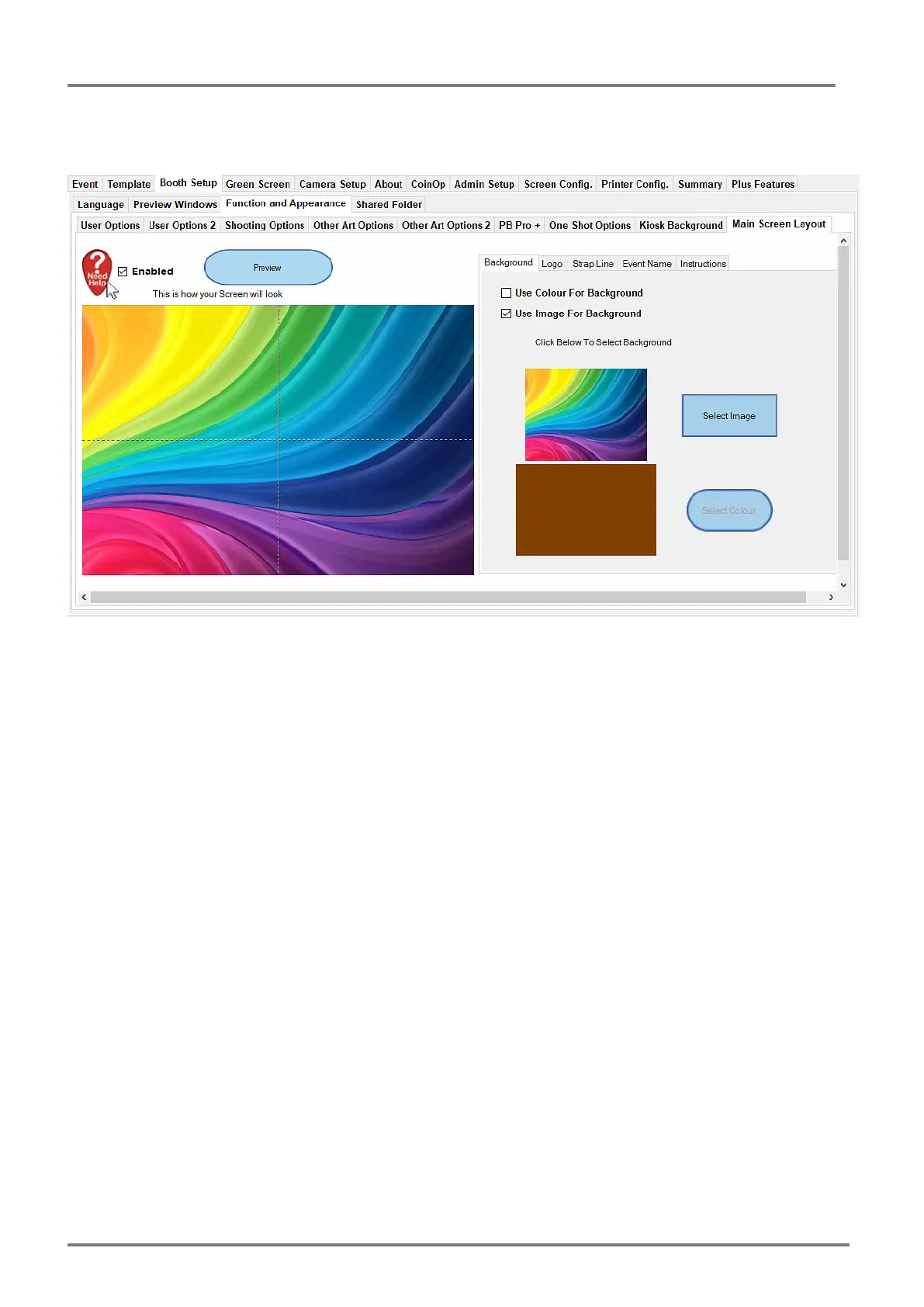
Utilising the options in this tab you can alter the Background, selecting an image or Solid colour,
as well as add a Logo, Text Strap Line, Event Name and optional Instructions.
Clicking the Preview Button after altering the options will show the updated layout in the Preview
Window.
Note: Make sure background images are kept to the size of the screen, choosing an overly large
background image results in the image being scaled down, but will still use the full size so can
take up a large amount of memory.
Background Images are best as JPEG images, try and keep the compression down to around
60% to keep sizes down.
" &



 To Next Page