Setting Up the SLR Camera – Canon Range.
The SLR Camera can be setup in numerous ways, however we have found the following
settings on the camera to get the best results.
The Resolution
The firs thing to do is to change the default resolution taken by your Canon. We actually need to
reduce the resolution down to 2592 x 1728 (or as near as possible such as 2256 × 1504 on
some of the cameras such as 450D).
To do this simply have your camera ready and disconnect it from any Computer.
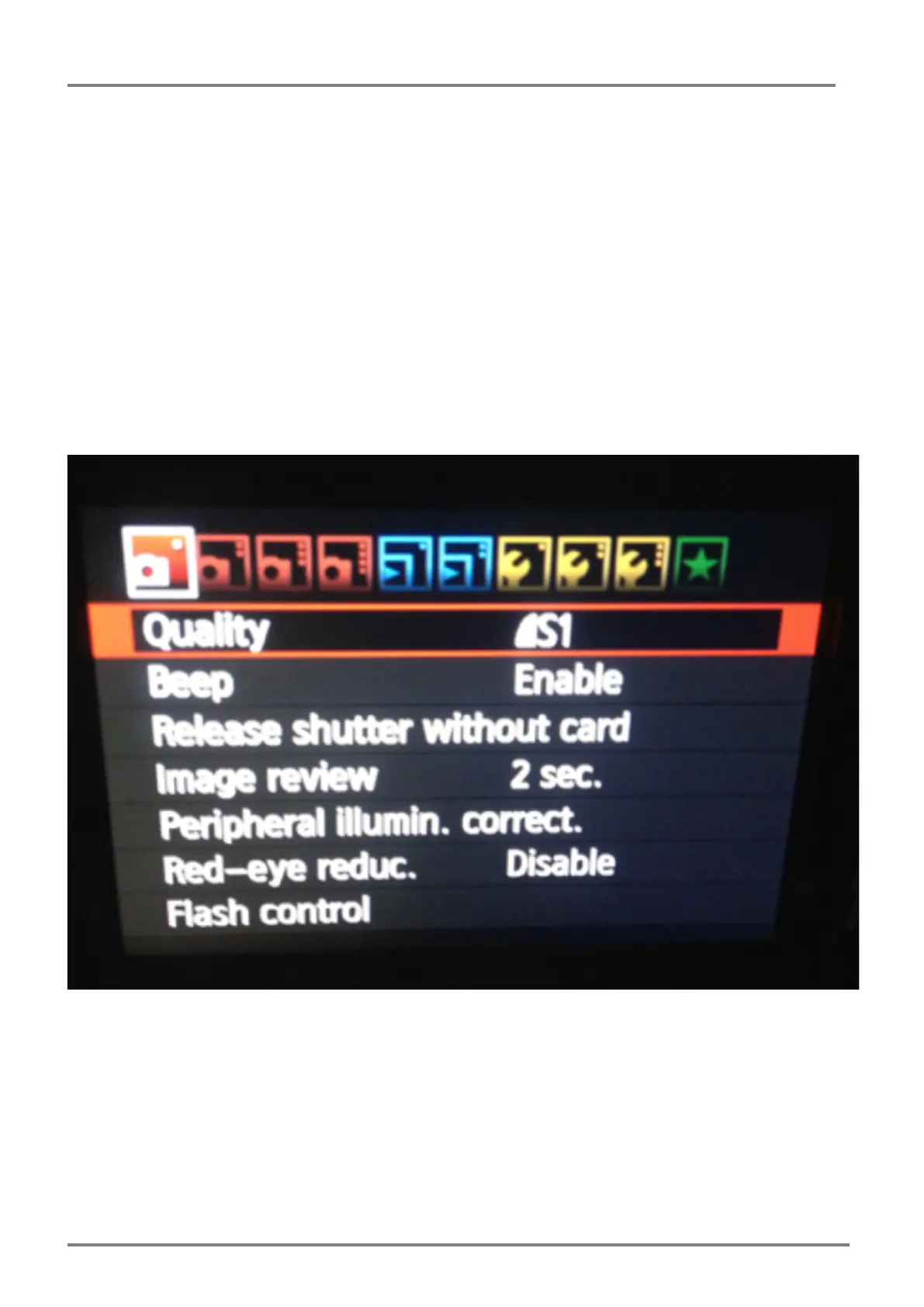
Next press the ‘Menu’ button on the back to get the menu options on the LCD screen.
The first menu option using the directional dials to the right of the screen selects the Quality
Option and press the ‘Set’ Button to get the options up.



 To Next Page