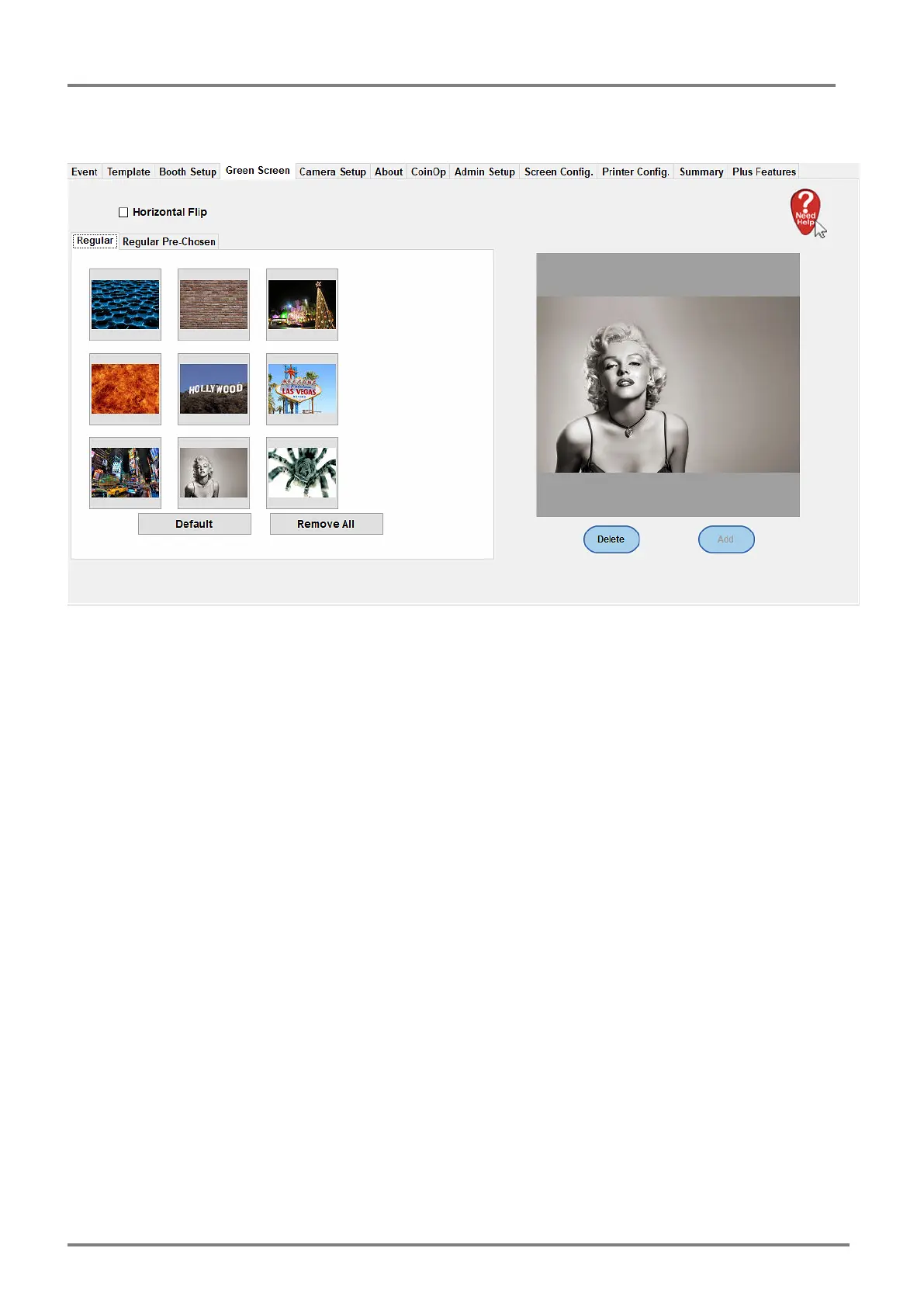
chosen group sets.
To alter the Green Screen image options select the image in the left hand panel then choose
Delete under the highlighted option.
Then to add an additional image select Add (Add will only be available if a slot is available for a
green screen).
The the Pre-Chosen set select Add on follow the onscreen instructions to add in additional
images. A green + icon top left of the window allows new images to be chosen.
The Horizontal Flip option allows you to flip all the images horizontally.



 To Next Page