RXiBreeze PAP System User Manual
15
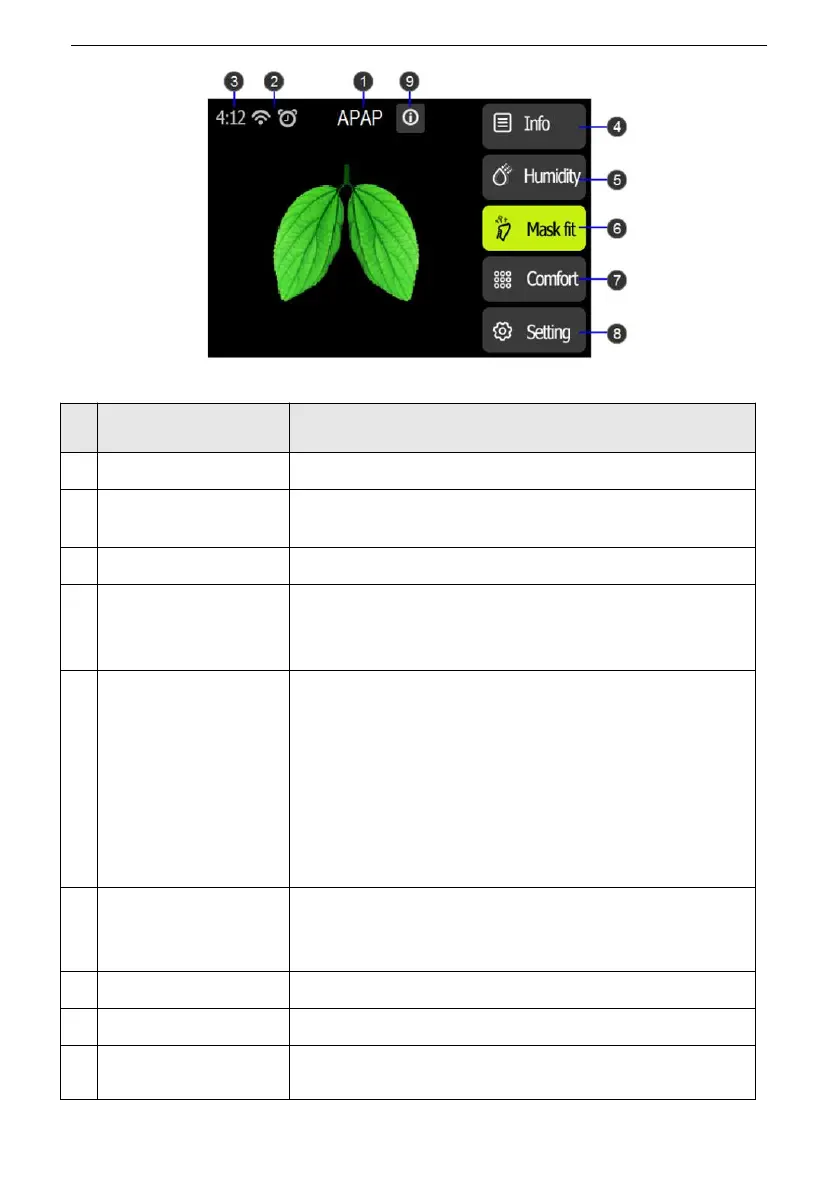
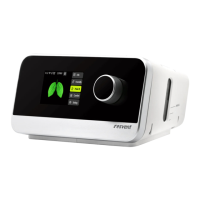
Figure1 Patient Standby Interface
Display the current mode.
Depending on setup, certain enabled therapy features
will display here.
Display the current time.
Patient Sleep Quality
Report
Display the patient sleep quality report and the options
for period of the report are: daily (recent 6 days) / 7 days
/ 14 days / 1 month / 3 months / 6 months / 1 year.
Set humidifier level to enhance patient comfort of
respiration.
Option: Auto / OFF / 1-8 Default: 3
Note:
1.The humidity level only can be set when the water in
humidifier exceeds the minimum water level for safe
operation.
2. The option Auto is not available in the RXiBreeze
20C.
Mask fit feature allows you to check the fit of your mask
prior to starting therapy. This is done by measuring the
amount of leak.
Press to enter Comfort setting interface.
Press to enter Patient System Setting interface.
Display the alarm messages.


 To Next Page