RXiBreeze PAP System User Manual
16
9.2.2 Patient Therapy Interface
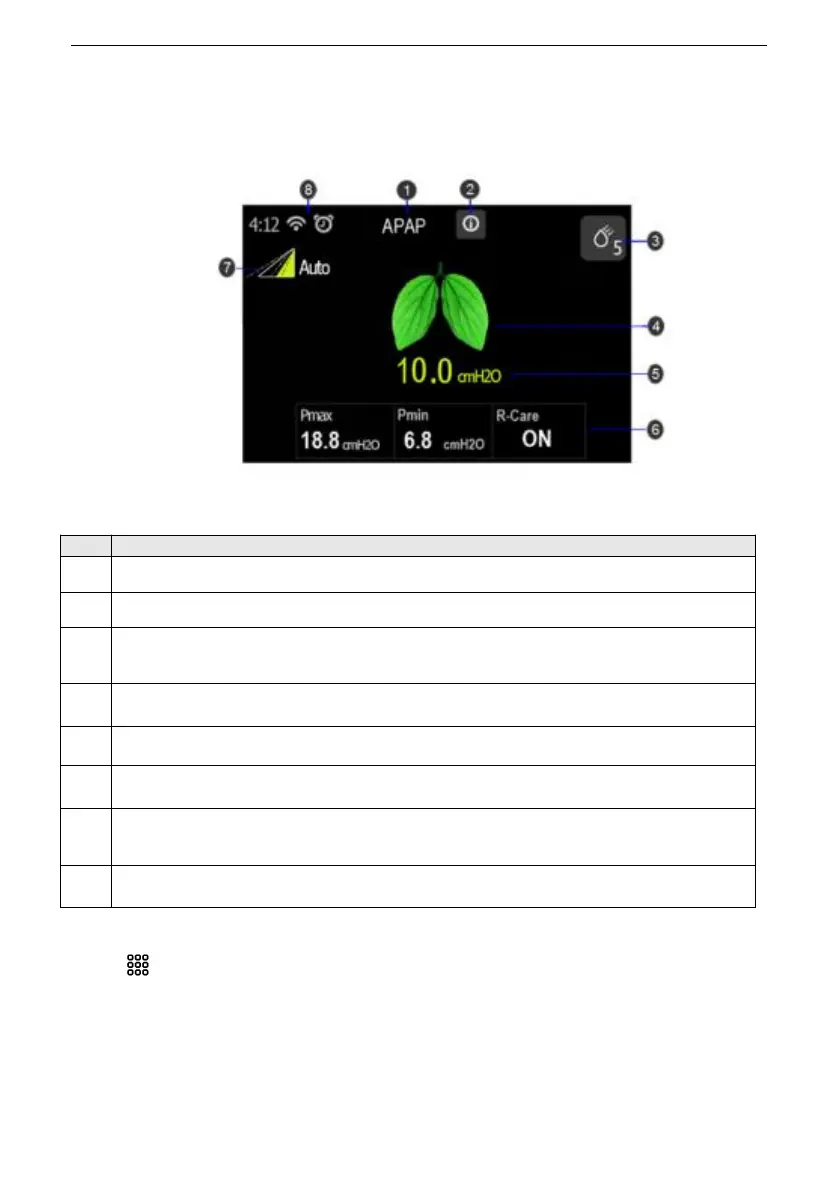
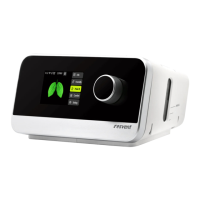
When the therapy starts, the screen will switch to the Patient Therapy Interface, which
displays the therapy parameters monitoring during therapy (See Figure2). The
displayed parameters depend on the current therapy mode.
Figure2 Patient Therapy Interface
The current therapy mode.
Display the alarm messages.
Humidity adjustment shortcut key and humidity level.
Note: The humidity level is available when the humidity function is on.
Background breathing dynamic diagram.
The current therapy pressure.
The therapy parameters monitoring during therapy.
Ramp time dynamic diagram.
Note: Only available when the Ramp function is on.
9.2.3 Patient Comfort Setting
Press key in the Patient Standby interface to enter Patient Comfort Setting
Interface.


 To Next Page