23
PF1
Side Key 1 definitions ( PF1-KEY) ---Menu 19
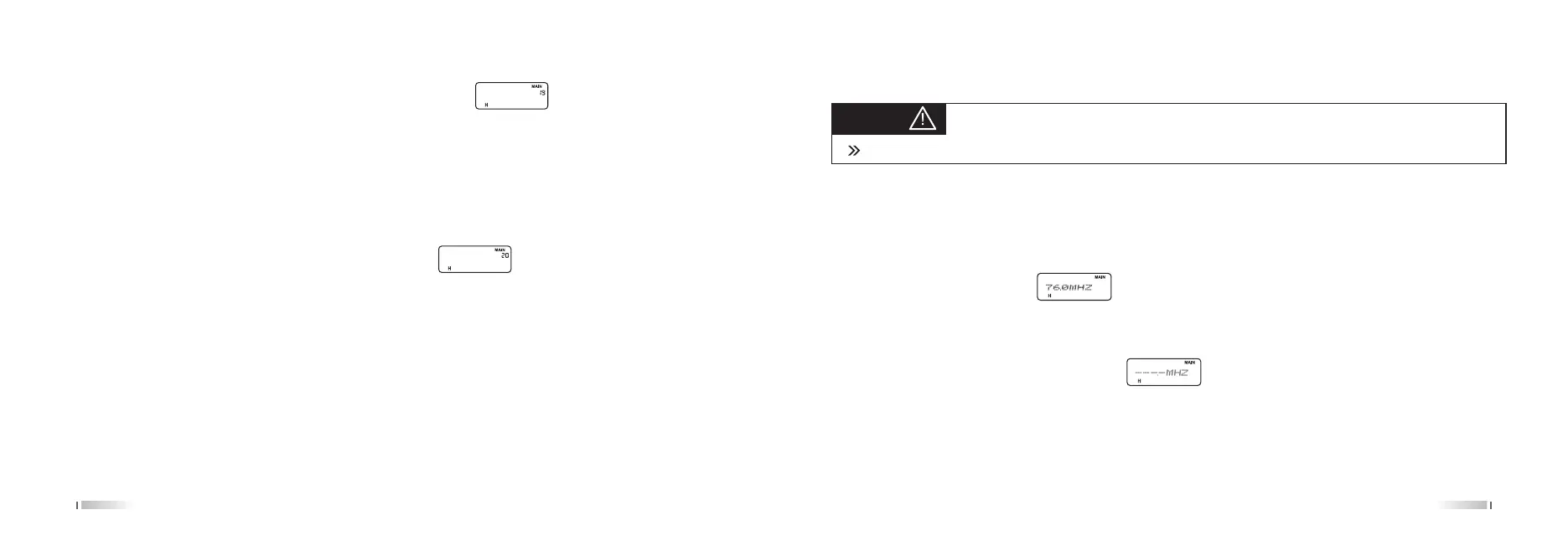
In the Standby, press [MENU] + [1 STEP] + [9 VOICE], LCD Display:
Press the [MENU], press the [UP] / [DOWN] to select the desired parameter type Press [MENU] confirm, press
[EXIT] back to standby.
The radio side keys 2 parameters: CALL (call option), FTX (amplitude-frequency emission)
Selective call code by our supporting software for editing.
Define the side key 3 (PF3-KEY) ---Menu 20
In the Standby, press [MENU] + [2SQL] + [0] key, LCD display:
Press the [MENU] , press the [UP] / [DOWN] keys to select the desired parameter type, then Press [MENU] button
to confirm, press [EXIT] go back to standby.
The radio side key 1 parameter: SCAN, LAM, SOS, Tele Alarm, RADIO, DISABLE. Default set is FM radio.
The above parameters are selected to achieve their each function:
1. PF3 selecting SCAN function
In the standby, press PF3 key to enter Scan state (scan mode base on the menu functions (14), the scanning
process, press any key to stop scanning.
2. PF3 selecting LAMP long light
In the standby, press PF3 key to start the lamp, press the PF3 key to close the long light.
PF3
24
Tips:
Transmission time is 10 seconds, 5 minutes in the next time. Press any key to exit.
3. PF3 selecting SOS-CH alarm
In the standby, press PF1 key, the speaker alarm in 2 seconds, and pronounce alarm tone.
4. PF3 Select Tele Alarm
In the standby, press PF3, speaker alarm sound and alarm code, press the PTT key to exit.
5. PF3 Select RADIO
a. Open the radio:
In the standby, press PF3 key to open the radio.
Open the radio the screen display long press [* SCAN] key to enter the radio to automatically search
for radio stations,receipt the signal of radio stop automatically.
The radio stays in the search to a radio station.
b. Set radio frequency:
Activate the radio, press [* SCAN] screen display , can press number0-9 to set radio channel.
c. Exit radio:
Exit radio, press the PF3 key.
d. Radio can storage the last station
6.PF. Select call
In the standby, press the [UP]/[DOWN] key to switch private call/group call/all call, then press PTT to send signal.



 To Next Page