Tips:
FM radio working, the current frequency or channel still in standby, will automatically return to radio status
when receiving a signal. Automatically return to FM radio in 5 seconds after Signal disappearing. Press the
PTT key, will automatically return to radio in 5 seconds.
Tips:
The setting of exchanged password only through by the software of our company.
Setting 6 number of password all is “0”, will cancel the exchanged password setting, setting of exchanged
password is not all “0”, is right.
CH-MDF
Working mode (CH-MDF) ---Menu 21
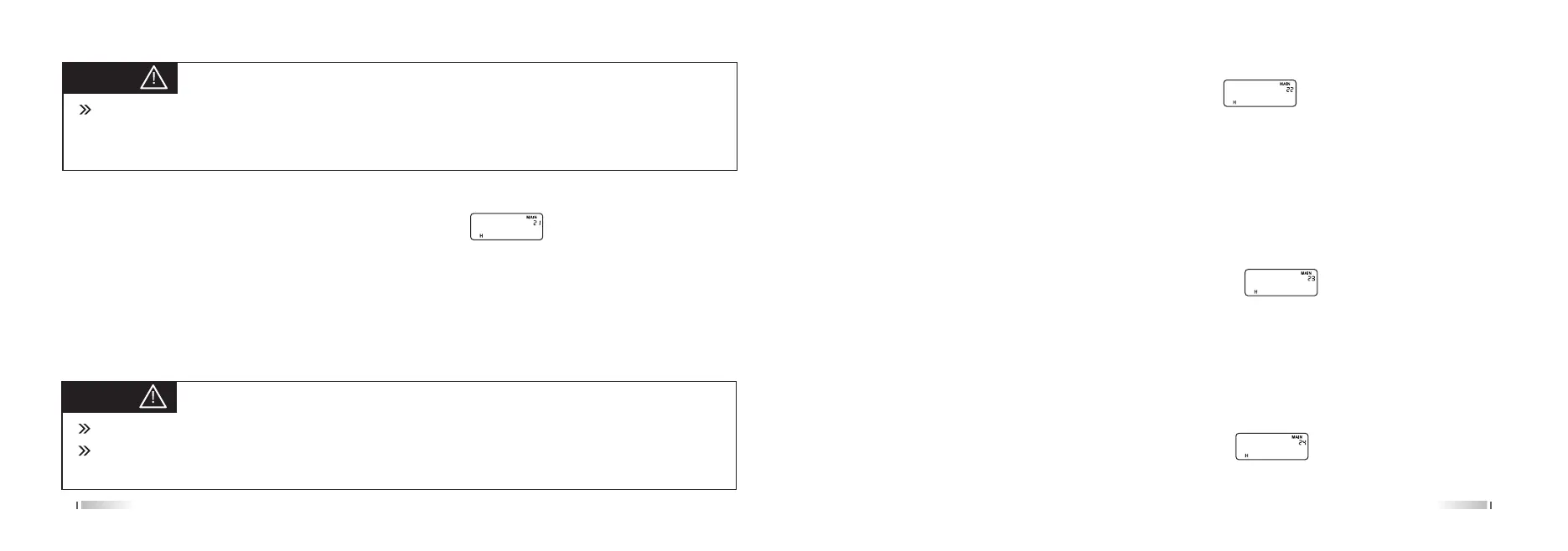
In the Standby, press [MENU] + [2 SQL] [1 STEP], screen displays:
Press the [MENU], press the [UP] / [DOWN] keys to select the desired working mode, press the [MENU] to confirm,
press [EXIT] back to standby.
The product have two working mode
1. VFO mode
2. MR mode
①CH ②CHFREQ ③NAME
25 26
ABR
OFF-SET
SFT-D
Backlight (ABR) ---Menu 22
In the standby, press [MENU] + [2 SQL] [2 SQL], screen display:
Press [MENU] to enter, press the [UP] / [DOWN] to select the desired setting, press the [MENU] button to confirm,
press [EXIT] key to return to standby.
Always ON: Backlight always on
1S-20S: backlight light setting time
Always OFF: Backlight always off (TIPS: This function is invalid, because display is colorful)
Offset frequency (OFFSET) ---Menu 23
In the Standby, press [menu]+[2SQL]+[3SAVE], the screen displays:
Press the [MENU] to enter, press [UP] / [DOWN] keys to select the desired offset frequency, then press [MENU] to
confirm, press [EXIT] back to standby.
The radio is the offset frequency between 0 ~ 999.99500MHz, the frequency of the input frequency difference of 7,
8-bit stepping frequency automatic judgment.
Offset frequency direction setting (SHIFT-D) ---Menu 24
In the standby, press [menu]+[2SQL]+[4TXP], the screen displays:
Press [MENU] to enter, press [UP] / [DOWN] keys to select the desired offset frequency direction, then press



 To Next Page