27
Tips:
If offset frequency over the range of valid, it can’t transmit. In this case, please adjust the receive frequency
or poor frequently poor in order to make transmission frequency band range.
SECOND
[MENU] to confirm, press [EXIT] back to standby.
The radio offset frequency direction:
a. Transmit frequency is higher than the receiver offset frequency is positive (+).
b. Transmit frequency is lower than the receiver offset frequency is negative (-).
c. Turn off offset frequency direction(off).
(SECOND) ---Menu 25
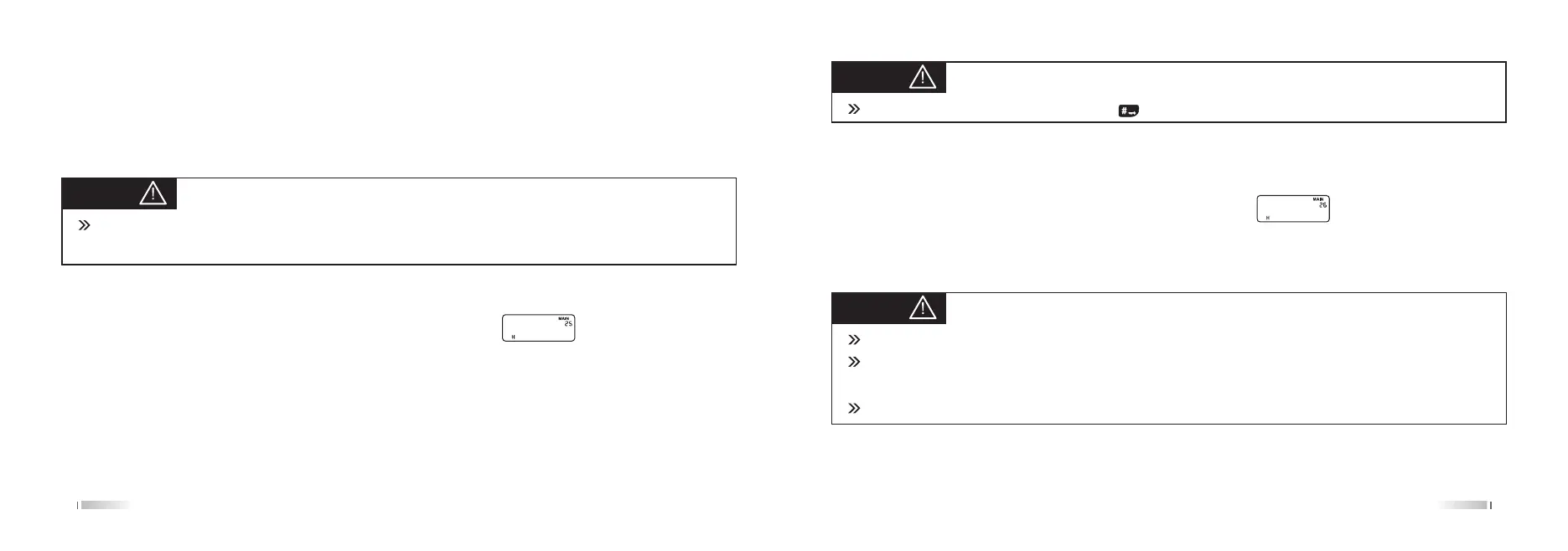
In the Standby, press [MENU] + [2 SQL] [5 ROGER], the screen displays:
Press the [MENU] to enter, press [UP] / [DOWN] key to select ON / OFF and press [MENU] to confirm, press [EXIT]
to back standby.
Second instruction
when the second is on, press the [#LOCK] key to start the counting, press any key except [#LOCK] to stop the
counting; press [#LOCK] the second restart.
28
Tips:
stop second should press any key (except ) exit the second function.
Tips:
1. The channel name can edit up to eight characters.
2. When the edited eight characters are all empty, the default channel name is blank, channel name
displayed as NO-NAME !
3. The channel name can edit twelve ENGLISH character through the programming software.
CHNAME
Channel Name setting (CHNAME) ---Menu 26
Edit channel name only in channel mode to edit the current channel, frequency mode operation is invalid.
In the standby, press [MENU] + [2 SQRT] [6 TOT], the screen displays:
Press the [MENU] to enter, then the first character flashing(this character instructions being edited), press [UP]/
[DOWN]
keys to select the desired character, press [#LOCK] key to edit the next one, press the [#AB] to confirm,
press [EXIT] to exit.
Channel memory setting (MEM-CH) ---Menu 27



 To Next Page