Retsch GmbH 27
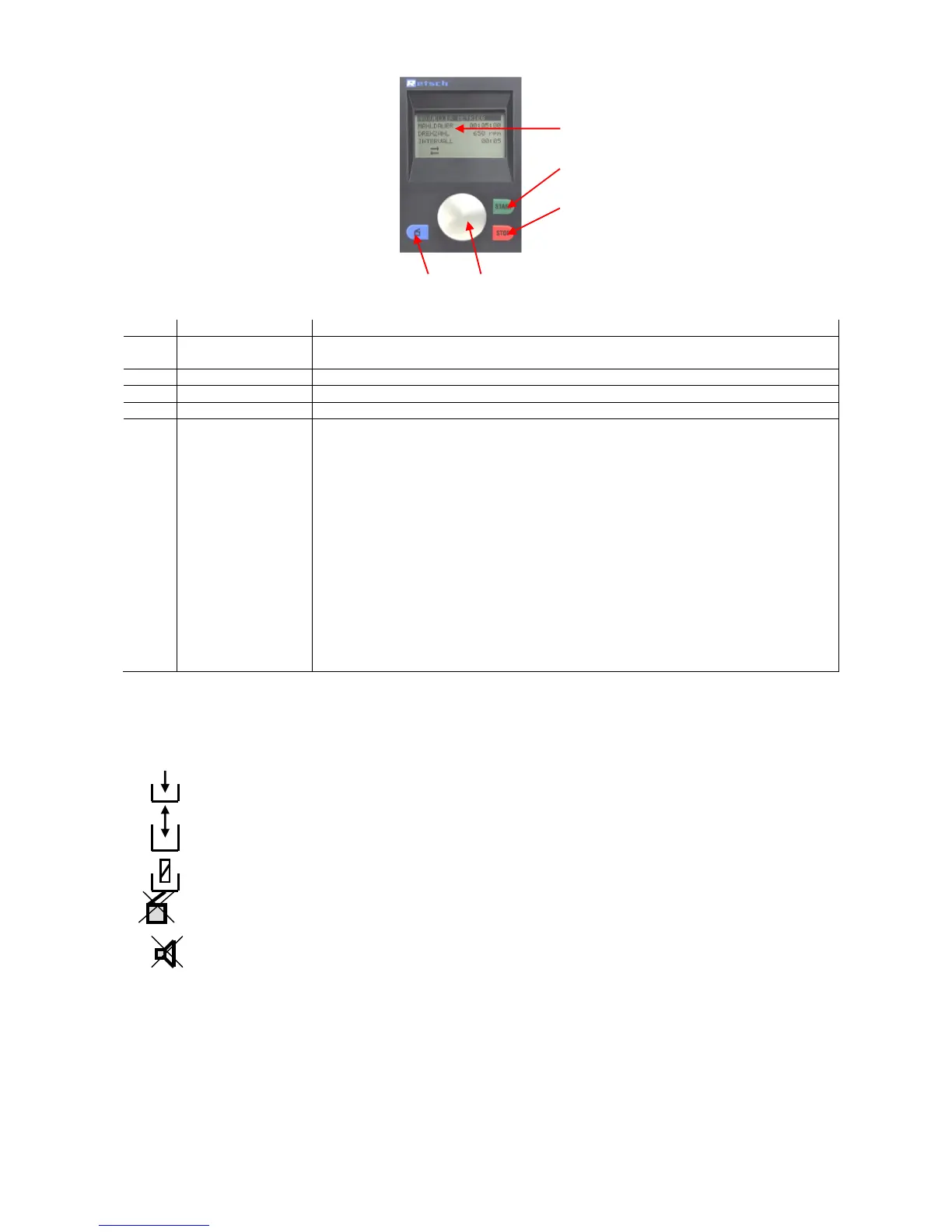
Operation via the PM100/200 display unit
The mills offer new, very user-
friendly operating functions. All
relevant data can be entered or
called up from a graphic display
operated with a single button.
The menu is multi-lingual.
Displays the menu, the parameter settings, operating information and error
messages.
Starts the grinding process
Stops the grinding process
Opens the grinding chamber hood
All menu items can be selected and parameters adjusted by turning and
pressing this button.
Turn 1
The different menu items can be selected by turning.
Selected menu items are shown inversely.
Turn 2
Adjust parameters in opened menu items (see Press 1)
Press 1
Selected menu items are opened
Press 2
A short press confirms the adjustment of the parameters
Press 3
Return to the 1
st
level menu by continuously pressing the button.
Symbols in the display unit
Reverse rotation switched on
Program mode – Store parameters
Program mode – Edit program
Program mode – Delete program
Opening mechanism off
Alarm off
Motor or frequency converter too hot



 To Next Page