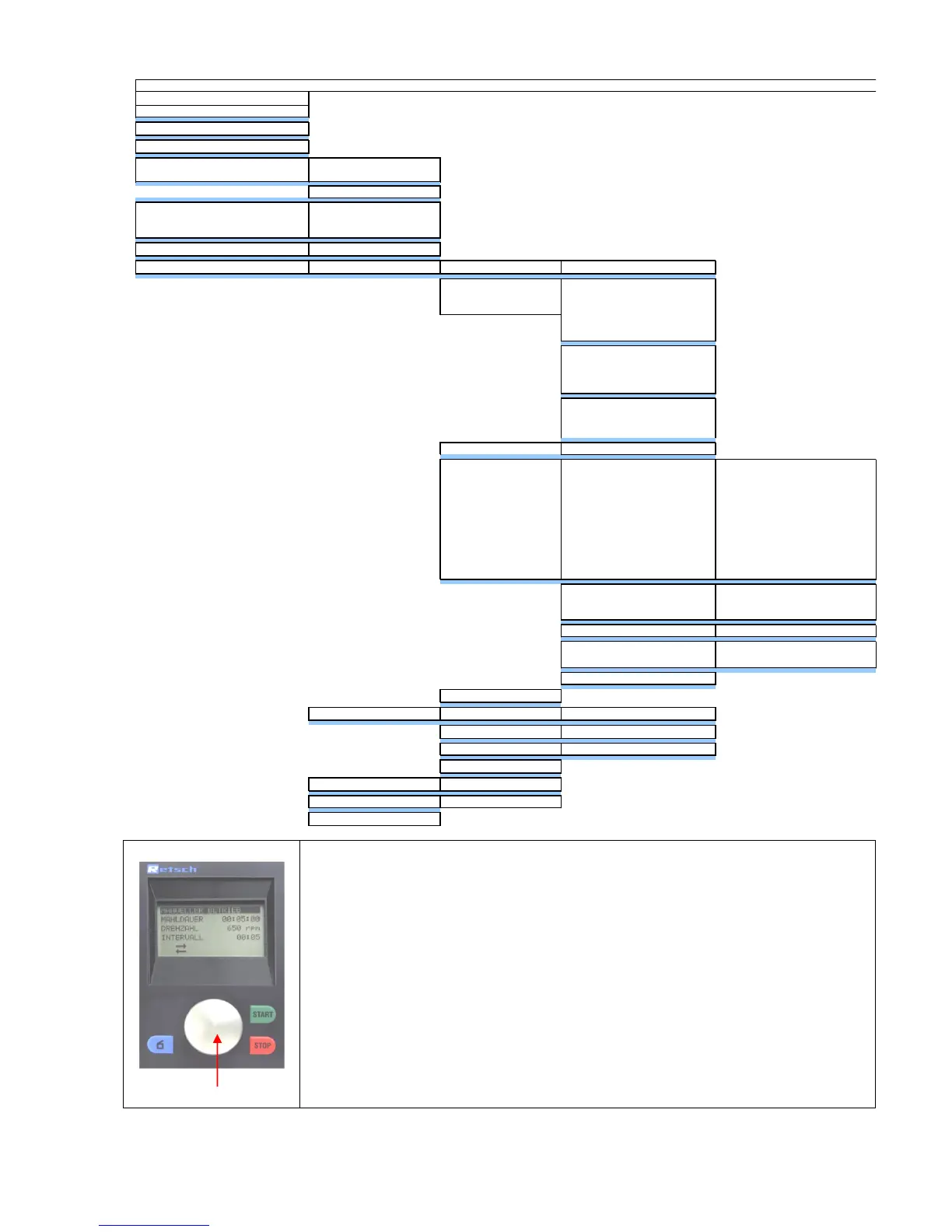
All menu items can be selected and parameters adjusted by turning and pressing
setting button E.
Turn 1
The different menu items can be selected by turning.
Selected menu items are shown inversely.
Turn 2
Adjust parameters in opened menu items (see Press 1)
Press 1
Selected menu items are opened
Press 2
A short press confirms the adjustment of the parameters
Press 3
Return to the 1
st
level menu by continuously pressing the button.



 To Next Page