EasyManua.ls Logo

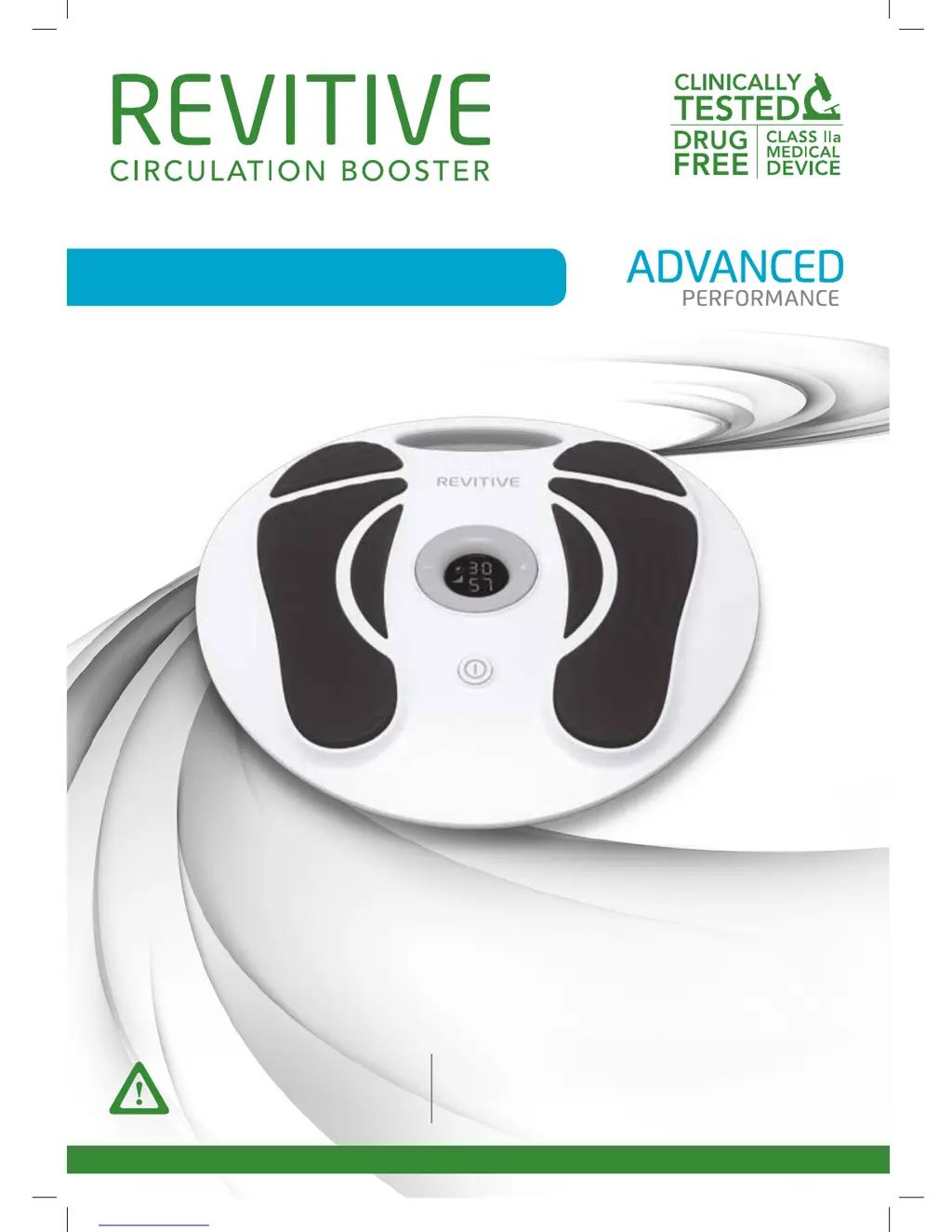
Revitive RMV - User Manual

Revitive RMV
32 pages
Print Icon
To Next Page IconTo Next Page
Loading...
Model number RMV
User’s Manual
PLEASE READ THE USER’S
MANUAL CAREFULLY BEFORE
USING THIS PRODUCT
USE ONLY AS DIRECTED
If symptoms persist, consult
your healthcare professional
®
®
2296_IFU01_9608705.indd 1 17/07/2015 12:28

Questions and Answers

  • K
    klinerachelAug 3, 2025
    Why are my legs aching after Revitive RMV treatment?
    • K
      kleeAug 3, 2025
      If your legs ache after using the Revitive Fitness Equipment, you may have the intensity set too high, overworking your muscles. Allow your muscles to recover after each session. Start your next session at a lower, comfortable intensity with a shorter duration until your muscles adjust to the stimulation.
  • M
    Mikayla AlvarezAug 9, 2025
    What to do if my Revitive RMV Fitness Equipment has no power?
    • J
      John WilsonAug 9, 2025
      If your REVITIVE Advanced Fitness Equipment shows no power, check that the AC adapter is switched on at the electrical socket and properly plugged into the device. If it's still not working, contact your authorized dealer.
  • J
    Jay HernandezAug 14, 2025
    Why can't I feel the stimulation on my Revitive RMV Fitness Equipment?
    • C
      Claire LarsenAug 14, 2025
      If your REVITIVE Advanced is on but you don't feel the stimulation, make sure both bare feet are placed on the foot pads simultaneously. Increase the intensity, up to 99, until you feel it. Dry feet can also be the culprit, so moisturize them to improve conductivity. Dehydration can also reduce stimulation, so drink plenty of water before and after use. Ensure the body pad cord is disconnected, as the foot pads won't work when it's plugged in.
  • K
    Kimberly LeeAug 21, 2025
    How to make my Revitive RMV IsoRocker rock?
    • W
      william81Aug 21, 2025
      The IsoRocker on your Revitive Fitness Equipment rocks due to your leg muscles contracting, not a mechanical function. Increase the intensity until your calf muscles contract sufficiently to cause rocking, ensuring the intensity is comfortable. Also, sit with your knees at a 90-degree angle and make sure the IsoRocker Disabler is in the center position.
  • L
    Linda FrancisAug 27, 2025
    Why is my Revitive RMV IsoRocker tapping on the floor?
    • C
      cassidylindseyAug 27, 2025
      If the IsoRocker on your Revitive Fitness Equipment is making a tapping noise on a hard floor, adjust the device's position or lower the intensity level. Alternatively, use a floor mat under the device to cushion the sound.

Summary

What is inside the box?

REVITIVE Advanced Parts and Controls

Parts of REVITIVE Advanced

Identifies the physical components of the REVITIVE Advanced device, including the main unit and accessories.

Controls of REVITIVE Advanced

Details the functions and operation of the device's control panel and remote control for adjustments.

Introduction to REVITIVE

Indications for Use

Outlines the medical conditions and purposes for which the REVITIVE device is recommended and certified.

Intended Purpose

Specifies the primary uses of REVITIVE devices for electrical stimulation of the lower leg to improve circulation.

How REVITIVE Works

Important Safeguards

Who Should Not Use REVITIVE

Lists individuals or conditions for whom the REVITIVE device is contraindicated or should not be used.

Contraindications

Details specific medical conditions, implants, or states where using REVITIVE is prohibited or requires caution.

Warnings

Cautions

Safety Precautions

Advises on safe practices during use, such as avoiding standing on the device or exposure to extreme temperatures.

Instructions for Use

Usage Duration and Frequency

Recommends the optimal daily usage time and frequency for REVITIVE to prevent muscle fatigue.

Step 1: First-Time Setup

Guides users through unpacking and initial setup steps for the REVITIVE Advanced device.

Step 2: Preparing for Use

Step 3: Using the Foot Pads

Step 4: Using the Electrode Body Pads

Step 5: Cleaning and Storing REVITIVE

Replacing Batteries and Body Pads

Offers guidance on battery replacement for the remote and how to maintain or replace the reusable body pads.

Troubleshooting Common Issues

Technical Specifications

International Two Year Warranty

Warranty Exclusions and Claims

Outlines conditions under which the warranty is void and exclusions from coverage.

Australian Warranty Information

Australian Warranty Exclusions

Specifies items and conditions not covered by the warranty in Australia, including misuse and accessories.

Notes

Revitive RMV Specifications

General IconGeneral
BrandRevitive
ModelRMV
CategoryFitness Equipment
LanguageEnglish

Related product manuals