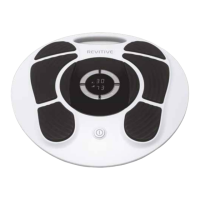
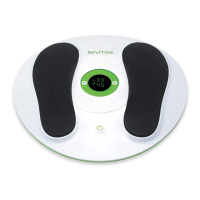
23
STEP 5:
CLEANING AND STORING REVITIVE
a Press the power button and turn REVITIVE off, if needed.
b Wipe down the foot pads with a soft damp cloth.
Do not clean with chemicals.
Do not immerse REVITIVE Advanced in water.
c Store REVITIVE Advanced in a cool, dry and dust-free location.
Store out of direct sunlight.
d Place body pads back on the plastic liner.
e Store the body pads in a dry and ventilated location.
Store out of direct sunlight.
You do not have to detach the body pads from the body pad cord to store
them.
Replacing the Batteries
The remote control requires two AAA 1.5V batteries to operate.
Replacing the Body Pads
The body pads are reusable up to 20-30 applications. If the body pads
start to lose their adhesiveness, rub a few drops of water into the surface.
Replacement body pads can be obtained via www.revitive.com.au.
2296_IFU01_9608705.indd 23 17/07/2015 12:28


 To Next Page