FM RADIO MODE
FM SETTINGS
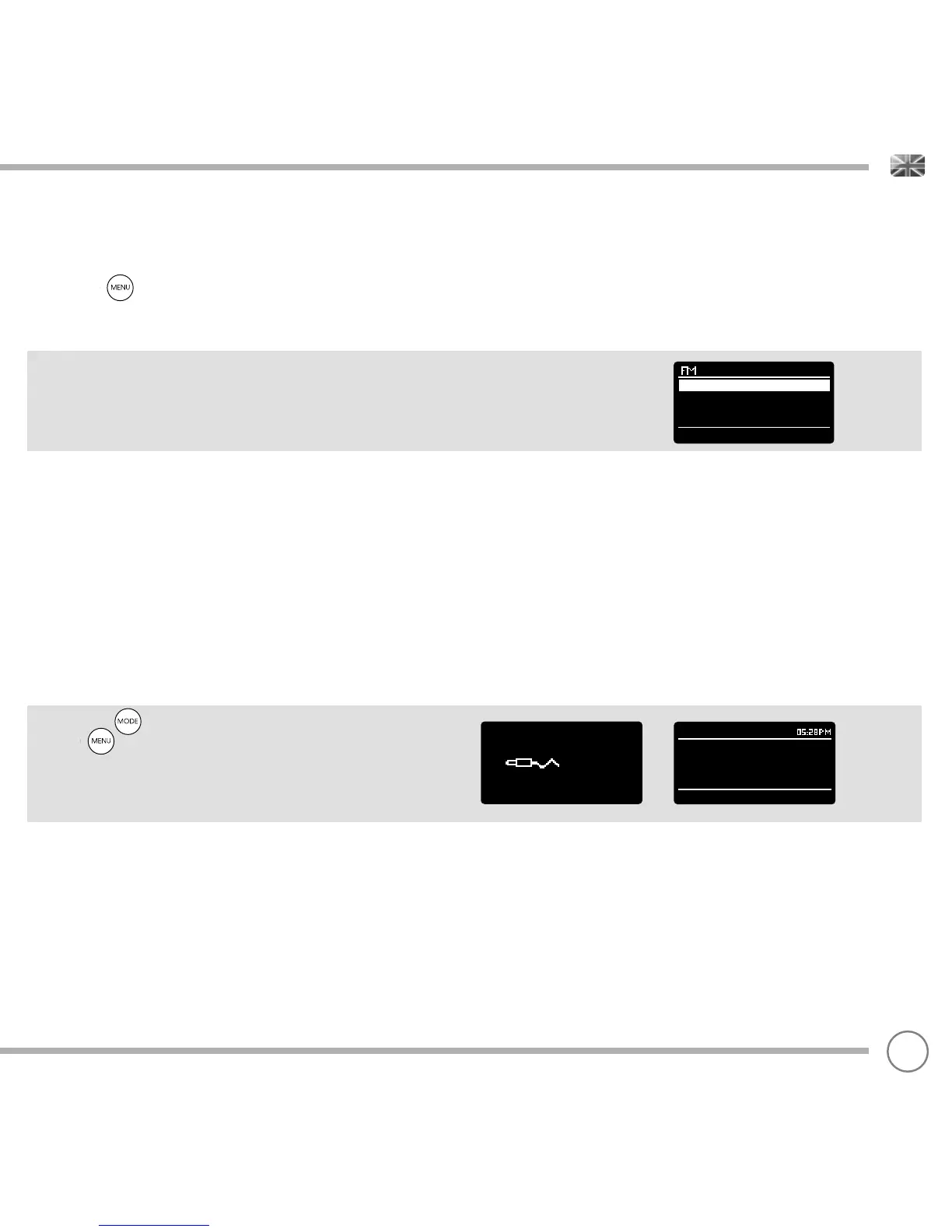
Press the button to access the FM MODE MENU. From here
you can set some FM preferences such as SCAN SETTING and AUDIO
SETTING.
SCAN SETTING allows you to decide whether the radio should stop
scanning only when it fi nds a station with a strong signal.
AUX-IN MODE
AUX IN MODE allows you to play audio from an external source (such
as an MP3 player) through your device.
To do so, connect your external audio source to the 3.5mm AUX IN
connector on the rear of SUPERCD.
Turn the volume down low on both SUPERCD and, if adjustable, the
external device.
Now press until the AUX IN screen is displayed, alternatively
press then select MAIN MENU, then choose AUX IN.
Adjust the volume of SUPERCD and, if necessary, the external audio
device as required.
15
Scan setting
Audio setting
Main menu >
Aux in
Audio in
Today’s Date :
Auxiliary Input
22/02/15


 To Next Page