20
Note: Sensitivity is the relative speed of the detected object and the
vehicle. The higher the speed, the essier it is to trigger an alarm.
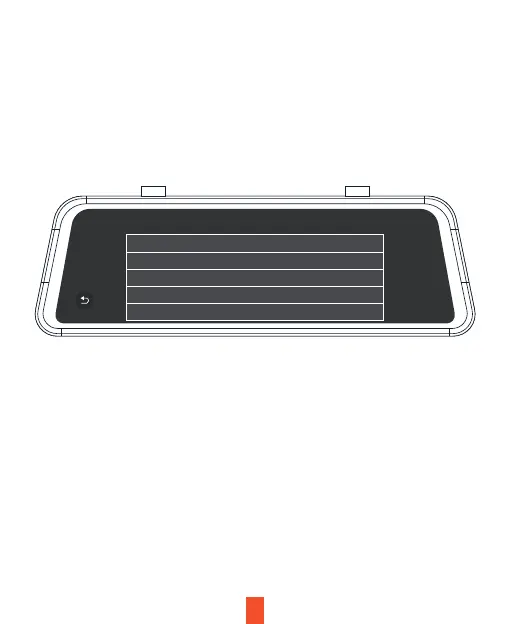
Monitor alarm type
Monitoring sensitivity Very low
Motor
30km/h
Normal
Open
Speed treshold
Auxiliary mode
Alarm area display
Setup Steps:
1. Open the smart driving application and turn on RCW (Rear Collision Warning). The
button turns from gray to blue.
2. Choose settings under RCW (Rear Collision Warning). to complete the setup. The
Warning Speed means that when any vehicle is detected within the set warning
range, an alarm is activated if the driving speed of the car is greater than the set
value.
3. Click the option Monitoring Sensitivity and select an appropriate option (a default
value can be used). Warning Sensitivity means that when any vehicle is detected
within the set warning range, an alarm is activated if the driving speed of the
following vehicle is greater than that of the car. High: An alarm is activated
regardless of car speed. Moderate: An alarm is activated if the following vehicle
has a speed 10km/h greater than the car. Low: An alarm is activated if the
following vehicle has a speed 20kg/h greater than the car.



 To Next Page