EasyManua.ls Logo

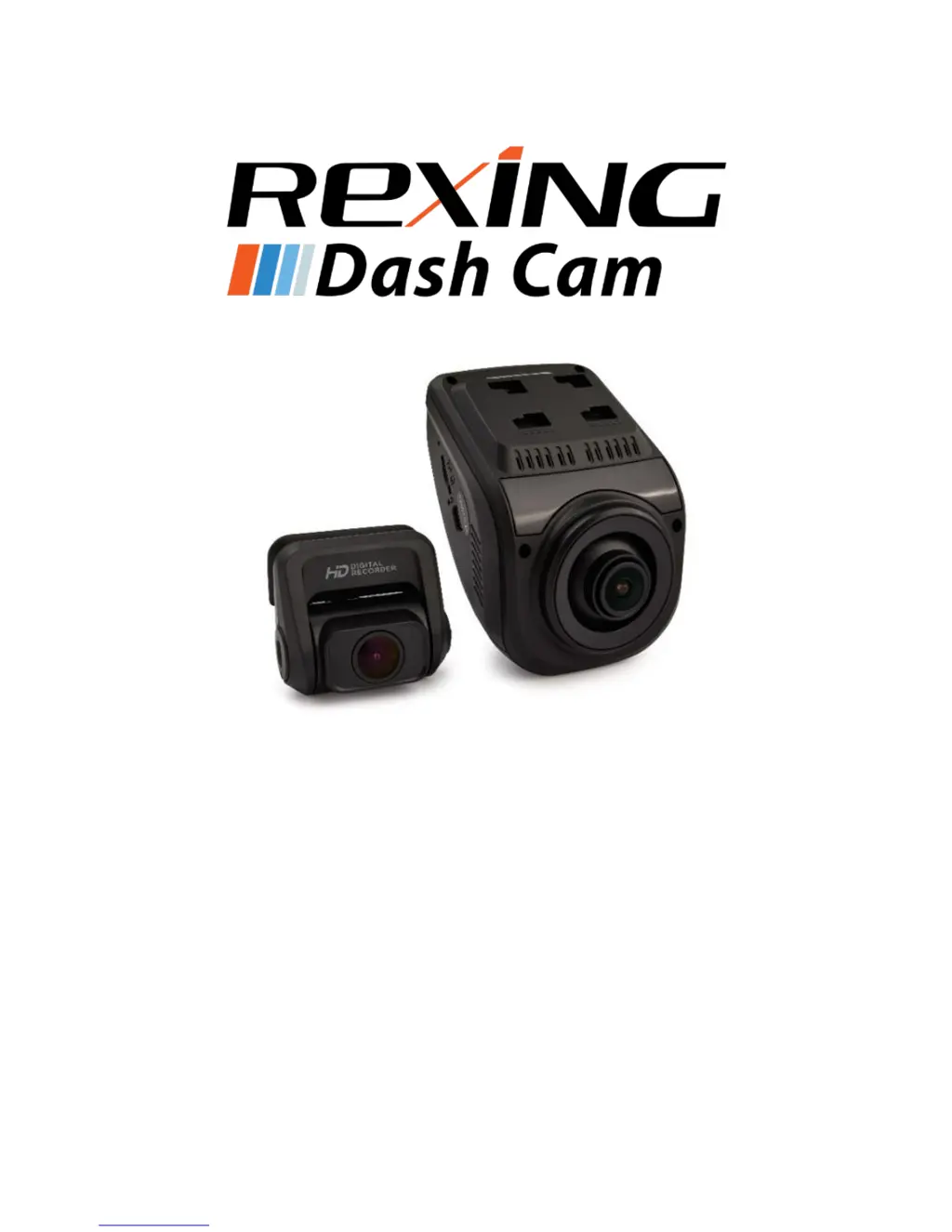
Rexing V1P 3rd Gen - User Manual

Rexing V1P 3rd Gen
50 pages
Print Icon
To Next Page IconTo Next Page
Loading...
1
©2018 REXING All Rights Reserved
V1P 3rd Gen
User Manual
The information in this manual is subject to change without notice.
www.rexingusa.com 12/2018Rev4

Questions and Answers

Summary

Safety Information

Warning

General safety precautions and warnings to prevent injury or device damage.

Safety Caution

Caution

Advisories on device interference, exposure to elements, and operational safety.

Correct Disposal of This Product

Disclaimer

About This Manual

Product Specifications

Package Contents

Camera Overview

Device Layout

Diagram illustrating the physical layout and numbered components of the camera.

Buttons

Status Icons

Getting Started

Installation

Step-by-step guide for physically mounting the camera and initial setup.

Powering the Camera

Inserting the Memory Card

Removing the Memory Card

Formatting the Memory Card

Turning the Device On and Off

Basic Operation

Wi-Fi Connect

Video Settings

Resolution

Details recording resolution options and their impact on storage and dual-channel recording.

Loop Recording

WDR (Wide Dynamic Range)

Exposure

Record Audio

Date Stamp

Gravity Sensing

Plate Number

System Settings

Wi-Fi

Enables or disables the device's Wi-Fi functionality.

Date;Time

Procedure to set the device's current date and time.

Auto Power Off

Configures the device to shut down automatically when not recording.

Device Sound

Enables or disables audible sound effects for device operations.

Language

Frequency

Screen Saver

Daylight Saving

GPS

Update Time of GPS

Format

Default Setting

Version

Photo Settings

Capture Mode

Sets a countdown timer before capturing an image.

Resolution

Sets the pixel resolution for captured still images.

Quality

Adjusts the quality level of captured images, affecting file size.

Sharpness

Enhances image clarity for a more distinct picture.

White Balance

Color

ISO

Exposure

Anti-Shaking

Quick Review

Date Stamp

Playback

Camera Playback Mode

How to play back, fast forward, rewind, and delete recordings directly on the device.

Computer Playback

Locked files

GPS Playback

Troubleshooting

Updating Firmware

Step-by-step instructions for updating the device's firmware.

Common Solutions

Rexing V1P 3rd Gen Specifications

General IconGeneral
GPSYes
Wi-FiYes
Loop RecordingYes
G-SensorYes
Parking MonitorYes
Frame Rate30fps
BatterySupercapacitor
Field of View170 degrees
StorageMicroSD card, up to 256GB
Night VisionYes
Display2.4-inch LCD

Related product manuals