17
Taking Photos
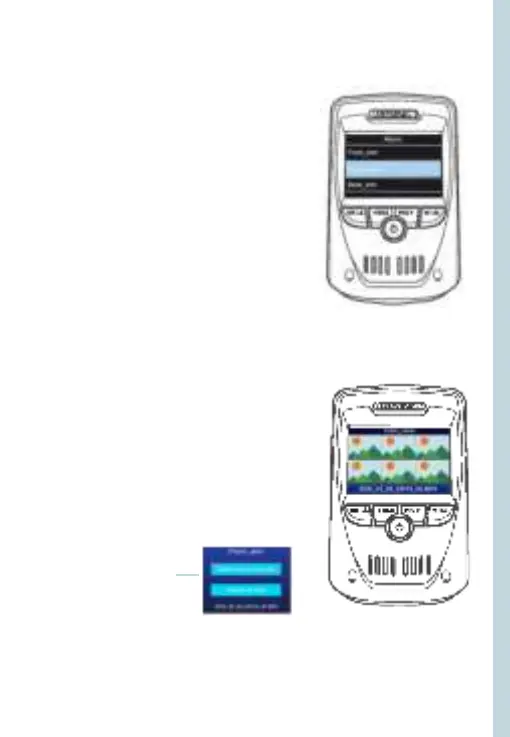
To take a photo, stop video recording
and hold down the REC button.
To view a photo, stop video recording
and hold on MENU button to
the Playback Mode.
Press the REC and MIC Buttons to
toggle through your photos.
To delete a photo, stop video
recording and toggle to the Playback
Mode and toggle through the videos
and photos to the one you want to
delete.
Hold the MENU to toggle the Delete
option.
Press the OK Button and select
Delete Current or Delete All.
Toggle to the
Playback mode and
select a photo to view
Toggle to the Delete
option
Choose
the desired
option



 To Next Page