8
4. Installation
Step 1: Install the Dash Cam
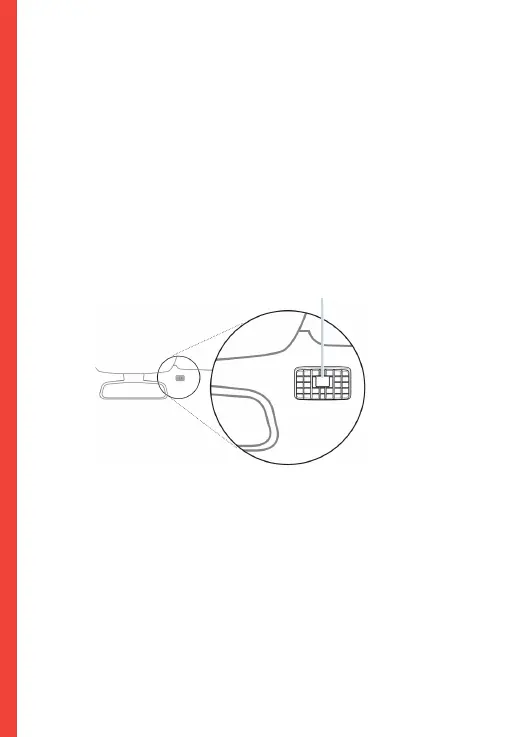
Place the 3M tape on the Mount and properly orient the
Mount square to the roof and hood line of the vehicle.
Important! Ensure the T-interlock on the Mount is oriented in
the correct direction.
Firmly press the Mount onto the windshield. Wait at least 20
minutes before mounting the camera.
Orientation mount as shown
Step 2: Insert the Memory Card
The Rexing V1P accepts [Class 10/ UHS-1 or higher] Micro
SD memory cards up to 256GB. You will need to insert a
memory card before you can begin recording. Before
inserting or removing a memory card, first ensure
you’ve powered down the device.
Gently push the memory card in until you hear a click, and allow
the spring release to push the card out.


 To Next Page