29
XII. How to Set Date and Time
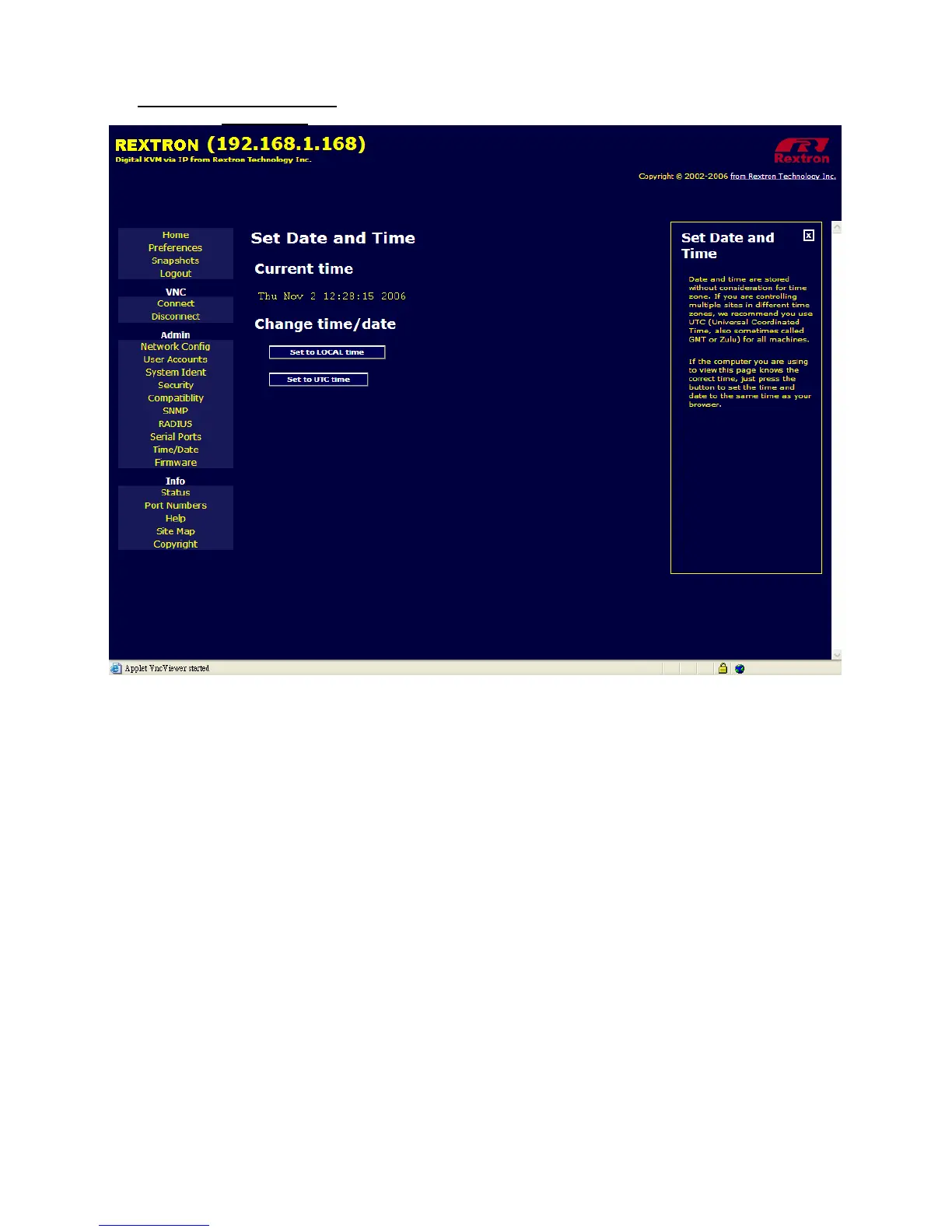
Please click on Time / Date
to get the following image.
Allow you to set your Digital KVM via IP to Local Time or Universal Coordinated Time (GMT). Date
and time is stored without consideration for time zone. If you are controlling multiple sites in different
time zones, we recommend you use GMT for all machine.



 To Next Page