MicroLite Receiver User Manual
Revision 1.1 25
5 Operation
While this chapter contains basic information about the operation of the microLite Receiver, the
programming of the unit (including preset configuration) via the NanoController GUI is not
covered. Please refer to the NanoController manual (IMT Publication: M27-0001-00A) for
detailed information on how to program and configure the unit.
In this section, you will find information on how to use the MLR to receive video, audio, and user
data, and how to stream video to a PC or network.
5.1 Power up the MicroLite Receiver
Turn on the power to the overall system.
The MLR requires up to 20 seconds to complete the power up sequence. Supply current will
jump up in steps as internal circuits are powered. The final DC supply current will settle after 20
seconds.
The MLR contains flash memory, which retains all stored preset configuration settings when the
unit is not powered.
5.2 Pre-Configure the MLR user options
The MLR has a wide range of programmable settings. Before using the MLR in your application,
you should pre-configure it to for the settings you want to use in your application. Settings are
selected and configured using the NanoController software, or a third party alternative. Please
refer to the NanoController documentation for details, or contact IMT Technical Support.
5.3 Control and LED Interface
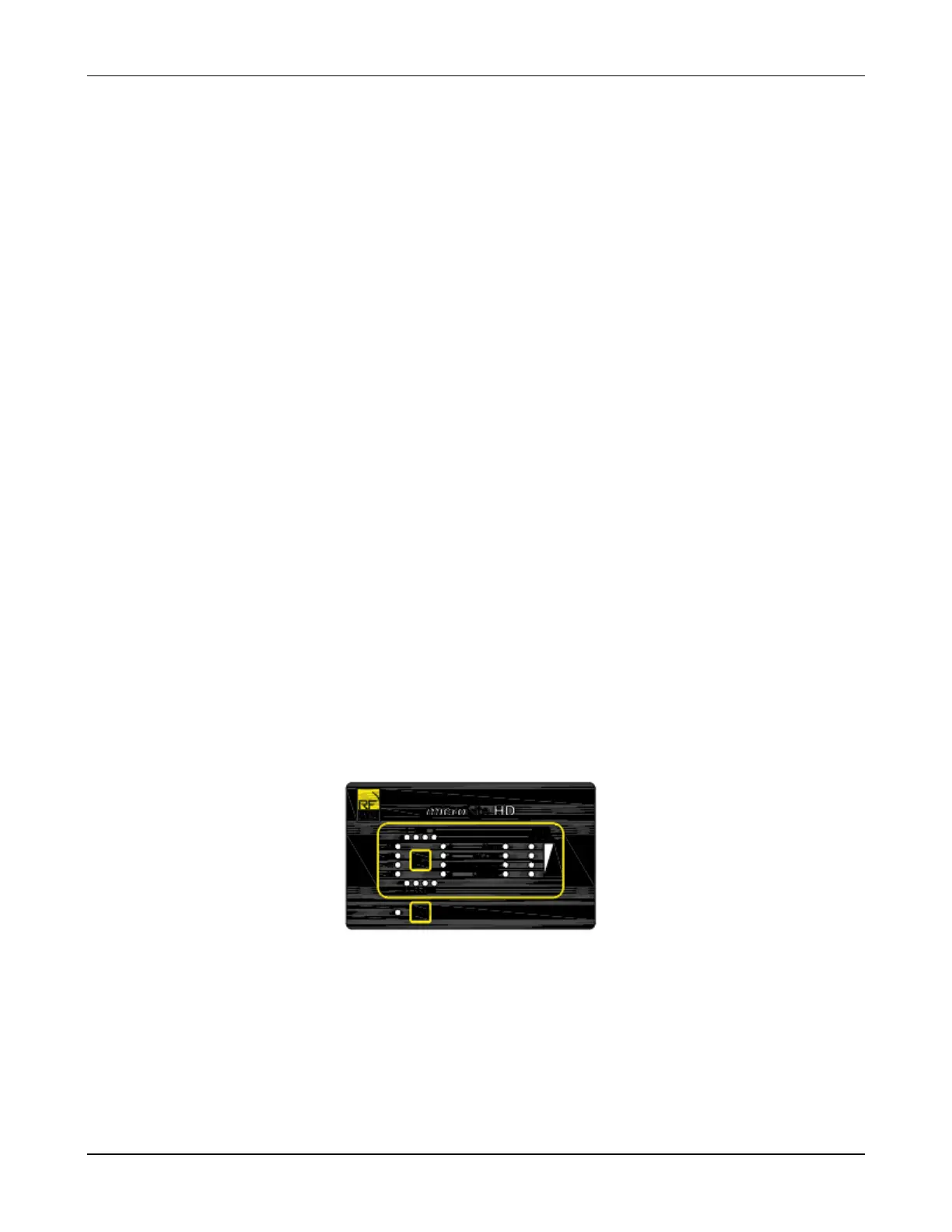
Figure 5-1: Front Panel Controls and Indicators
The MLR has several Buttons and LED’s on the front panel, to perform basic operation and
view unit status. Any changes made via a remote control interface will be reflected by the front
panel LED’s.


 To Next Page