33 Chapter 3 Software
Card ID
Function Description
GETID Click while scanning a card over the device. The ID displays under the
button. This returns 64 bits maximum.
GETID (32) Click while scanning a card over the device. The ID displays under the
button. This returns 255 bits maximum.
GetQueuedID Click to display the last card data read. This returns 255 bits maximum.
Clear Lockout Check to clear the time remaining to allow the device to read the next
card immediately.
Clear UID If clearUID is set, the card and the over run counters will be cleared for
the next read.
If clearHold is set, the reader will be ready to read another card
immediately.
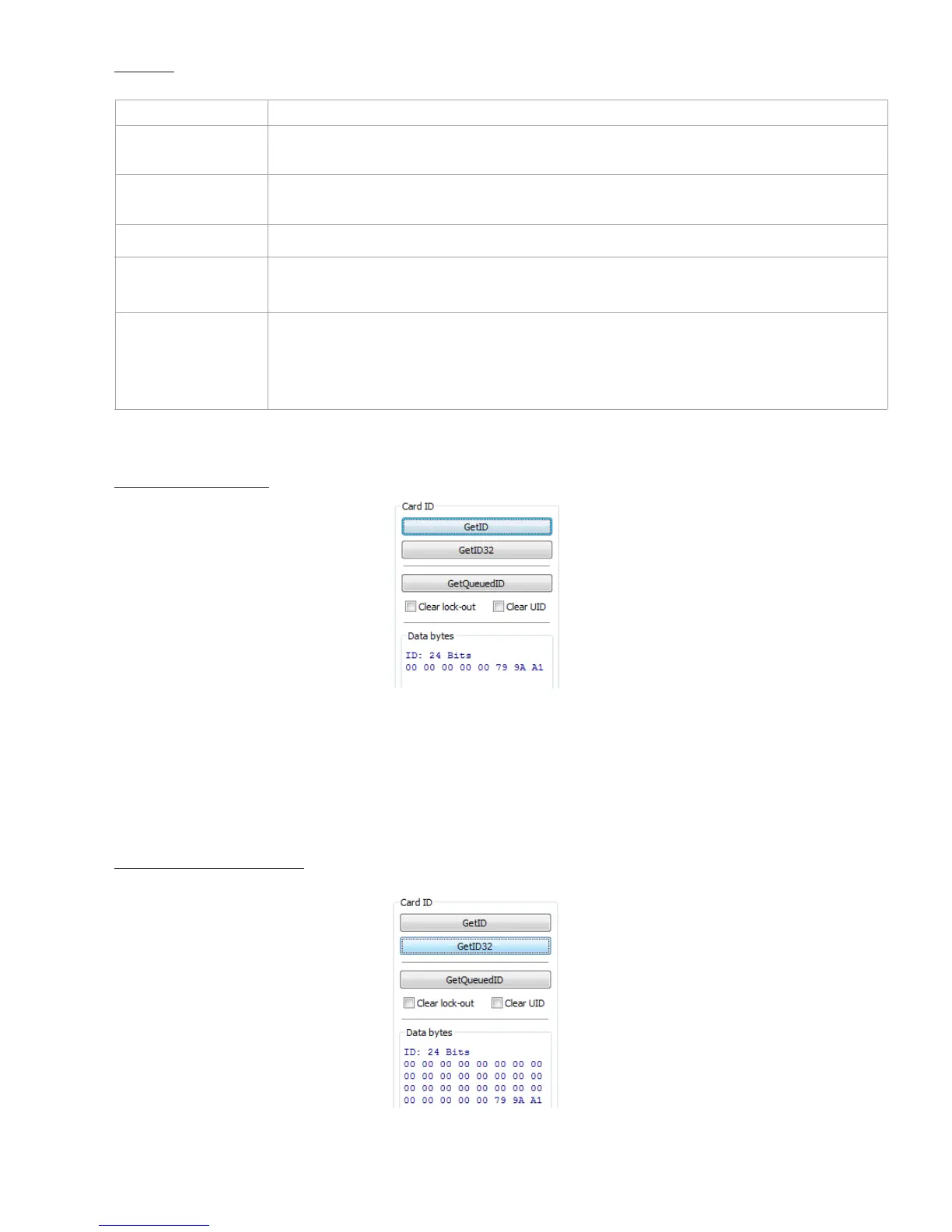
GETID Data Display
The Most Significant Byte is first – 79.
The Least Significant Byte is last – A1.
GETID(32) Data Display



 To Next Page