Connect Serial Communications Program
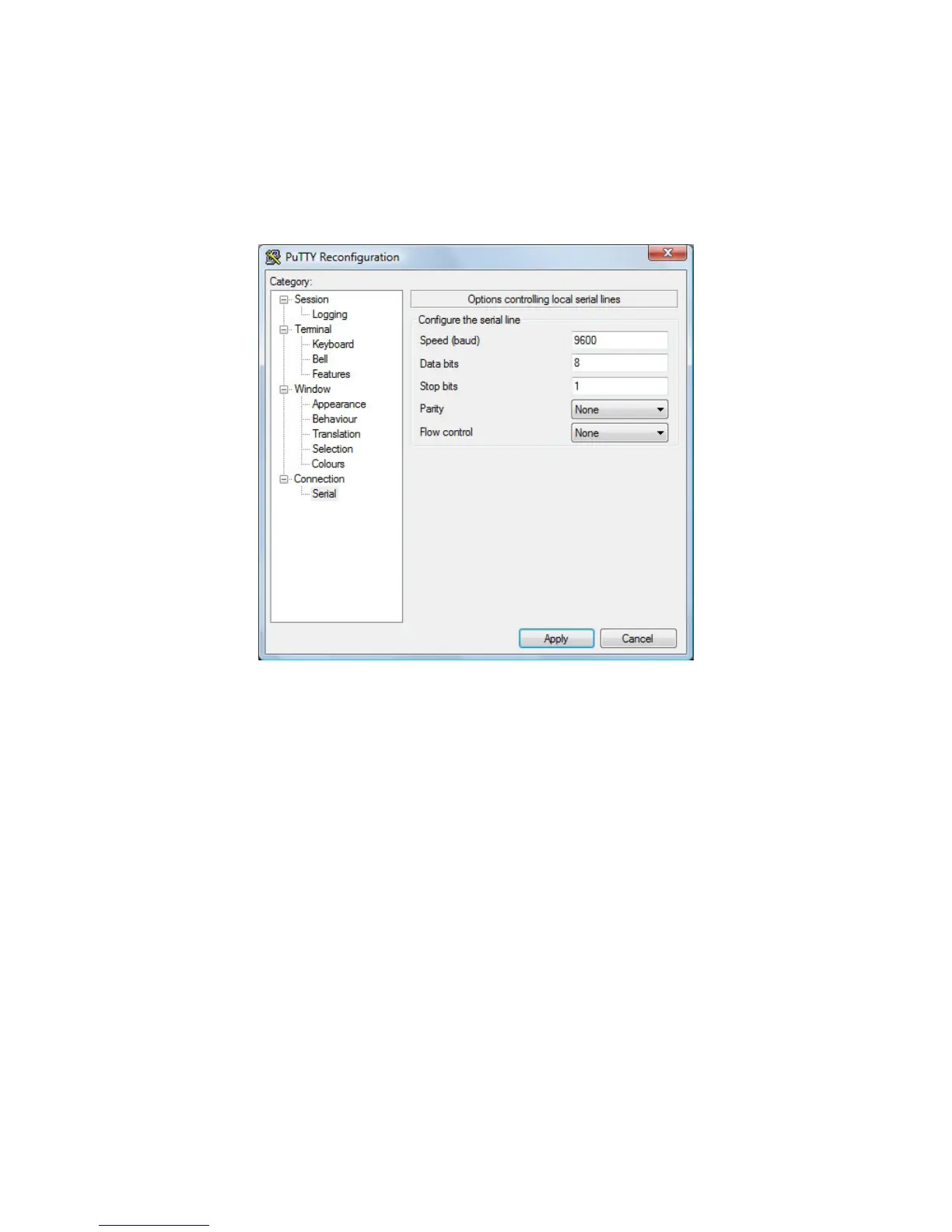
Open putty.exe. Click Connection a Serial and set the Speed (baud) to 9600, Data bits to 8, Stop
bits to 1, and Parity to None. Flow control is not needed as there is no software or hardware
handshaking.
Click Session.
Note: Use Hyper Terminal instead of putty with the XP operating system.
46 Chapter 4 ASCII Command Protocol



 To Next Page